Vendor and Price Book Maintenance
Use this workflow when supplier contacts, material categories, pricing, or catalog uploads need maintenance. The userbase is the procurement lead, office manager, estimator, or owner who needs pricing and vendor data to support quotes and POs.
Workflow outcome
At the end of this workflow, vendor records should be clean, material pricing should be current enough to use, imports should be reviewed before commit, and price changes should be visible to affected quotes or procurement work.
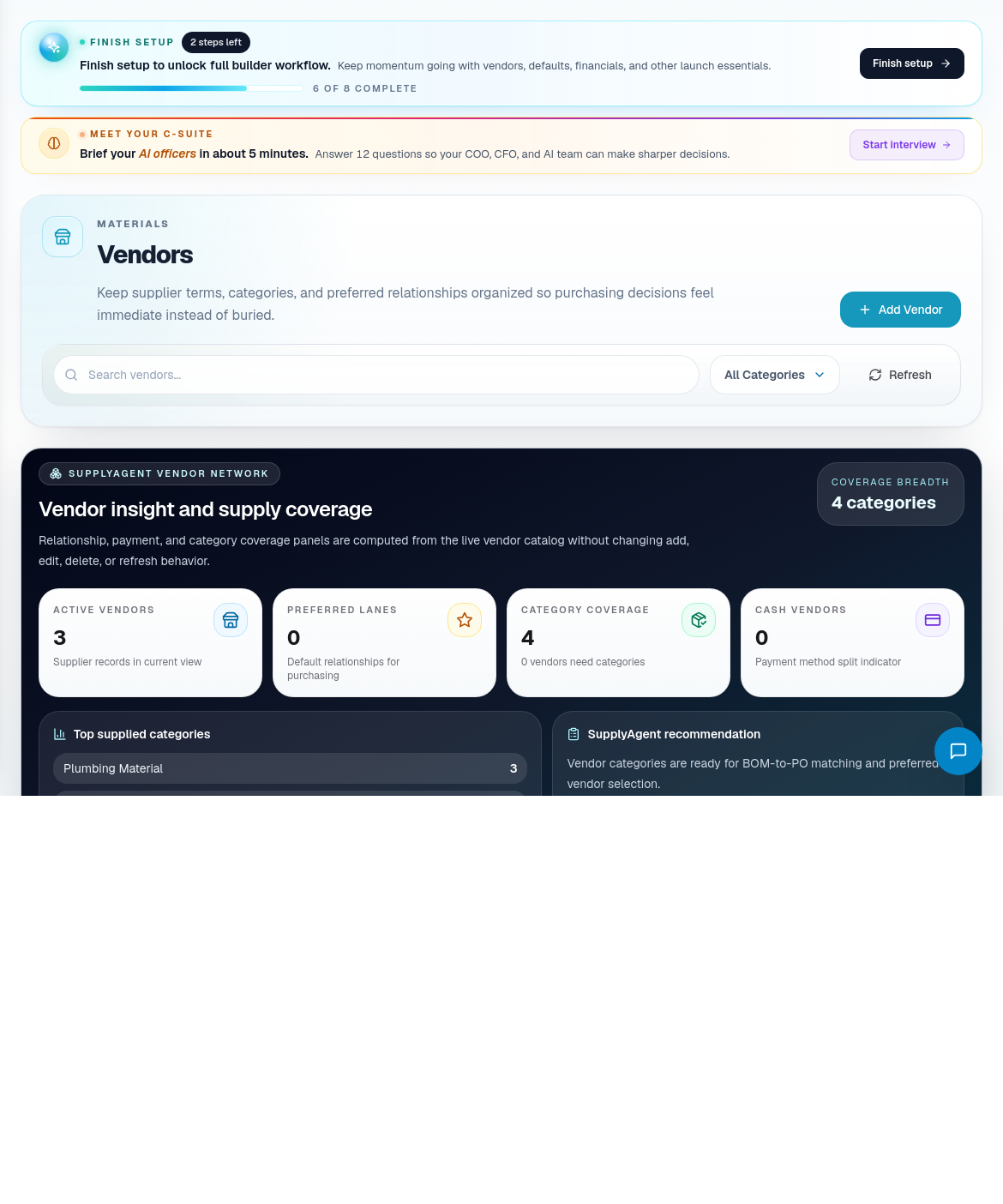
Step 1: Review vendor records first
Open Vendors before editing price rows.
Check:
- Vendor name.
- Contact person.
- Phone and email.
- Material categories.
- Ordering notes.
- Delivery or pickup expectations.
- Duplicate or stale records.
Clean vendor data gives procurement, PO lifecycle, and finance a reliable counterparty.
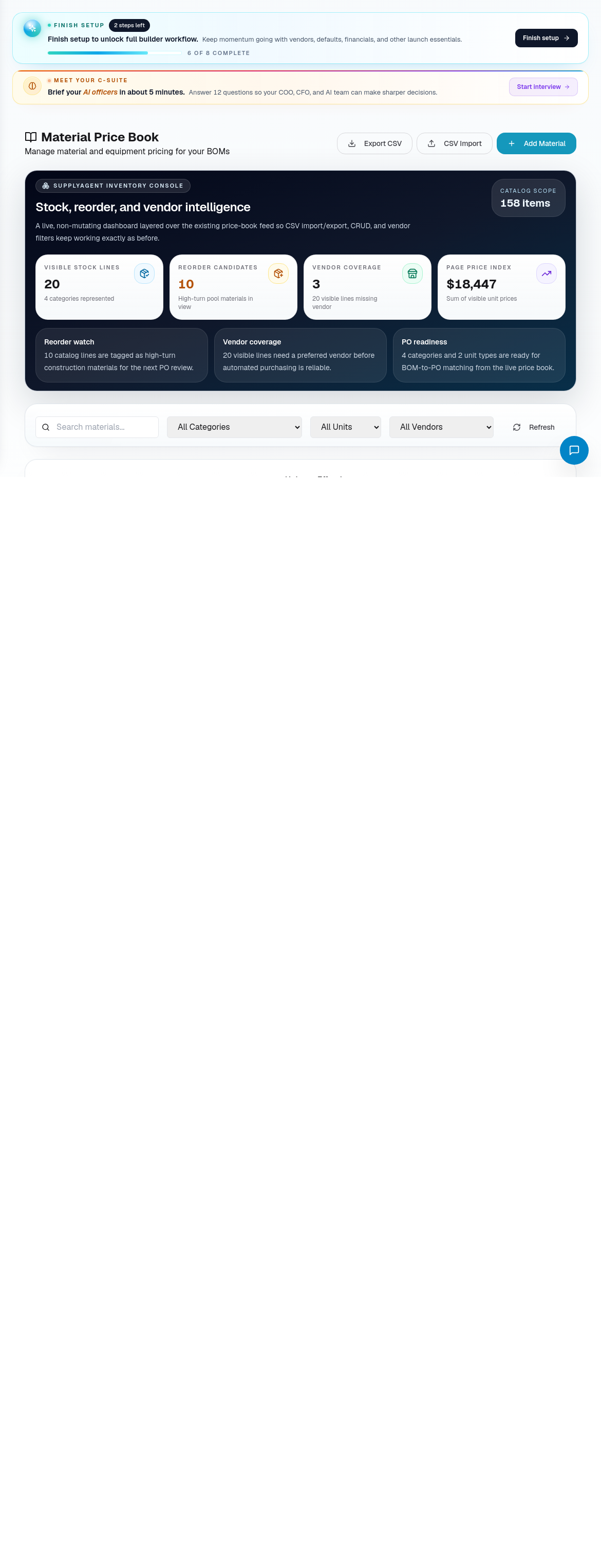
Step 2: Update the price book
Open Price Book when material prices or catalog rows need review.
Fill or update:
- Material name.
- Category.
- Unit.
- Unit price.
- Vendor or preferred supplier.
- Effective notes.
- Any assumptions that matter to estimating.
If a price is uncertain, make that visible instead of letting the team quote from a silent guess.
Step 3: Use imports carefully
When using catalog or CSV import:
- Upload the file.
- Validate before committing.
- Review invalid rows and conflicts.
- Decide whether to update existing rows or skip conflicts.
- Commit only after the impact is understood.
- Check important materials after import.
Bulk import is efficient, but it can spread bad data quickly if nobody reviews the validation results.
Step 4: Link vendor-specific overrides
Use vendor-specific prices when the same material has different supplier costs or availability.
Track:
- Vendor.
- Material.
- Unit.
- Price.
- Effective timing.
- Delivery or availability notes.
Step 5: Review downstream impact
Price changes can affect more than the price book.
Check:
- Open quotes using the old price.
- Draft POs.
- Material readiness for active jobs.
- Budget or margin expectations.
- Procurement watch items.
Route affected work to Lead to Quote Workflow or Procure Materials and Track POs as needed.
Step 6: Set a maintenance rhythm
Use a regular rhythm so pricing stays useful:
- Review critical materials weekly during active build season.
- Review vendor contact changes when procurement calls fail.
- Update price book before major quoting pushes.
- Revalidate imported catalogs before relying on them.
- Remove or mark stale materials when the builder no longer uses them.
Related screens
| Portal area | Use it for |
|---|---|
| Vendors | Supplier records, contacts, and material categories. |
| Price Book | Material pricing, categories, units, and catalog assumptions. |
| Catalog Upload / Review Queue | Bulk import and validation. |
| Procurement / PO Lifecycle | PO and delivery impact. |
| Quotes | Pricing assumptions and margin-sensitive proposal work. |