Procure Materials and Track POs
Use this workflow when a job needs materials ordered, tracked, received, or escalated. Procurement is a schedule and margin workflow, not just an office task.
Workflow outcome
At the end of this workflow, the material need should be tied to a job, vendor, price expectation, PO status, delivery timing, and any schedule risk created by the item.
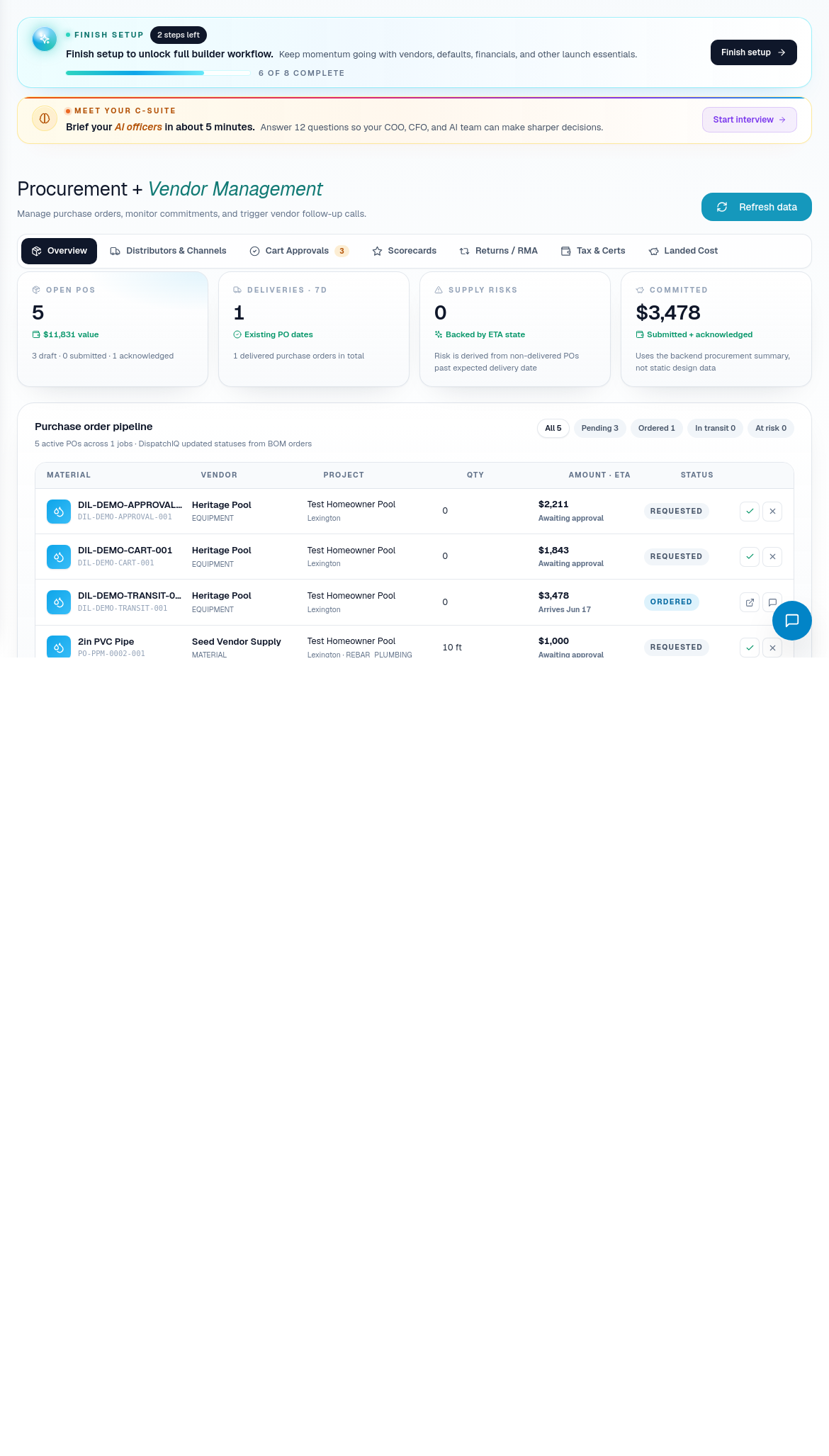
Step 1: Identify the material need
Open Procurement when DispatchIQ, CascadeIQ, a job detail page, or the field team surfaces material risk.
Confirm:
- Which job needs the material.
- Which phase depends on it.
- Whether the material is builder-managed or subcontractor-supplied.
- Whether the item came from a BOM, contract extraction, field request, or manual entry.
- Whether the item has a required-by date.
If the job uses mixed material handling, be explicit about ownership. A PO should not be created for an item the subcontractor is supposed to buy unless the builder has intentionally changed the plan.
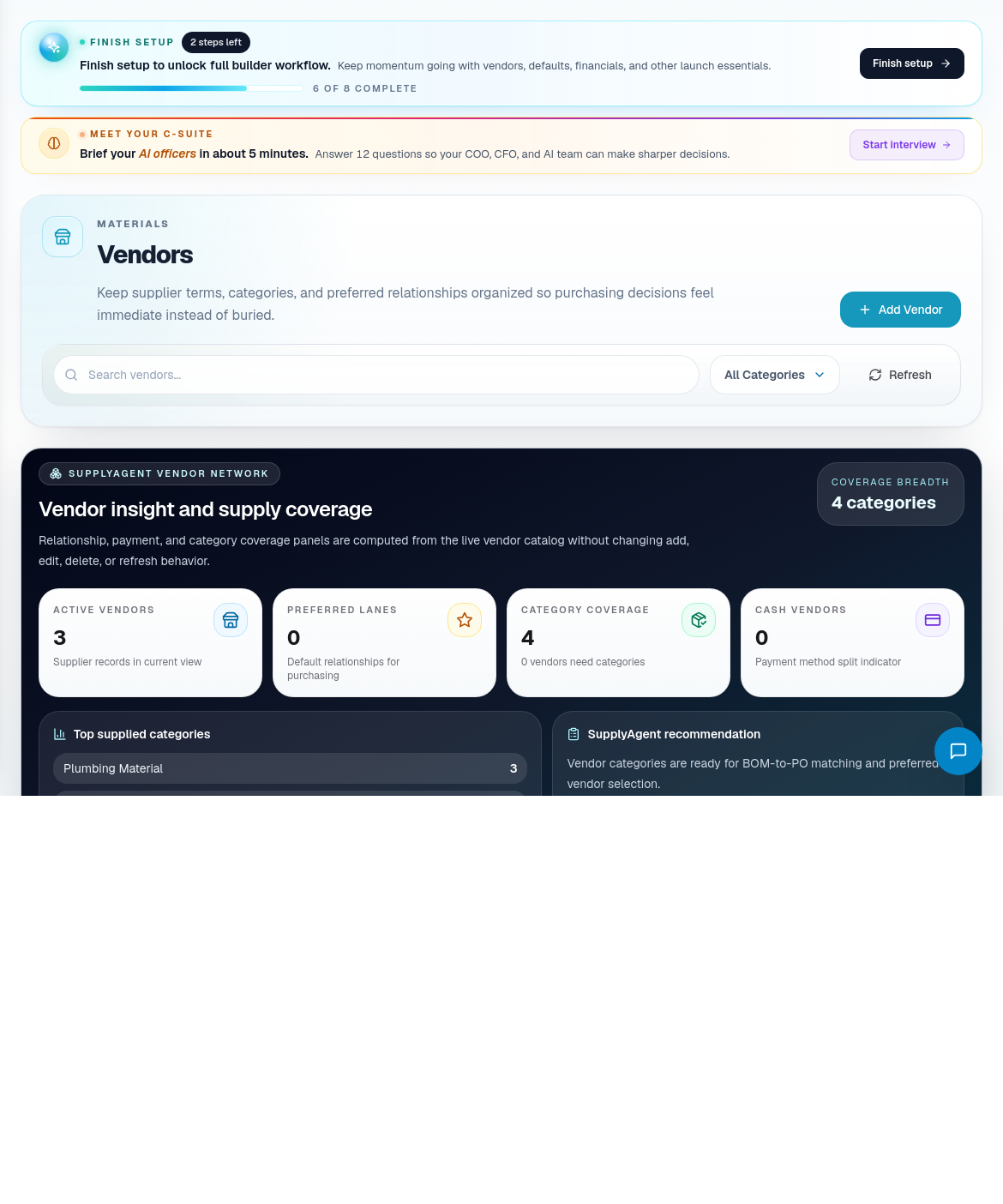
Step 2: Confirm vendor readiness
Open Vendors when supplier details, pricing, contacts, or delivery reliability need review.
Check:
- Vendor name and contact details.
- Product categories or supplier type.
- Preferred ordering method.
- Delivery or pickup notes.
- Any pricing or catalog assumptions.
- Any issue history the team tracks.
Clean vendor data makes PO follow-up easier and keeps procurement risk visible to operations.
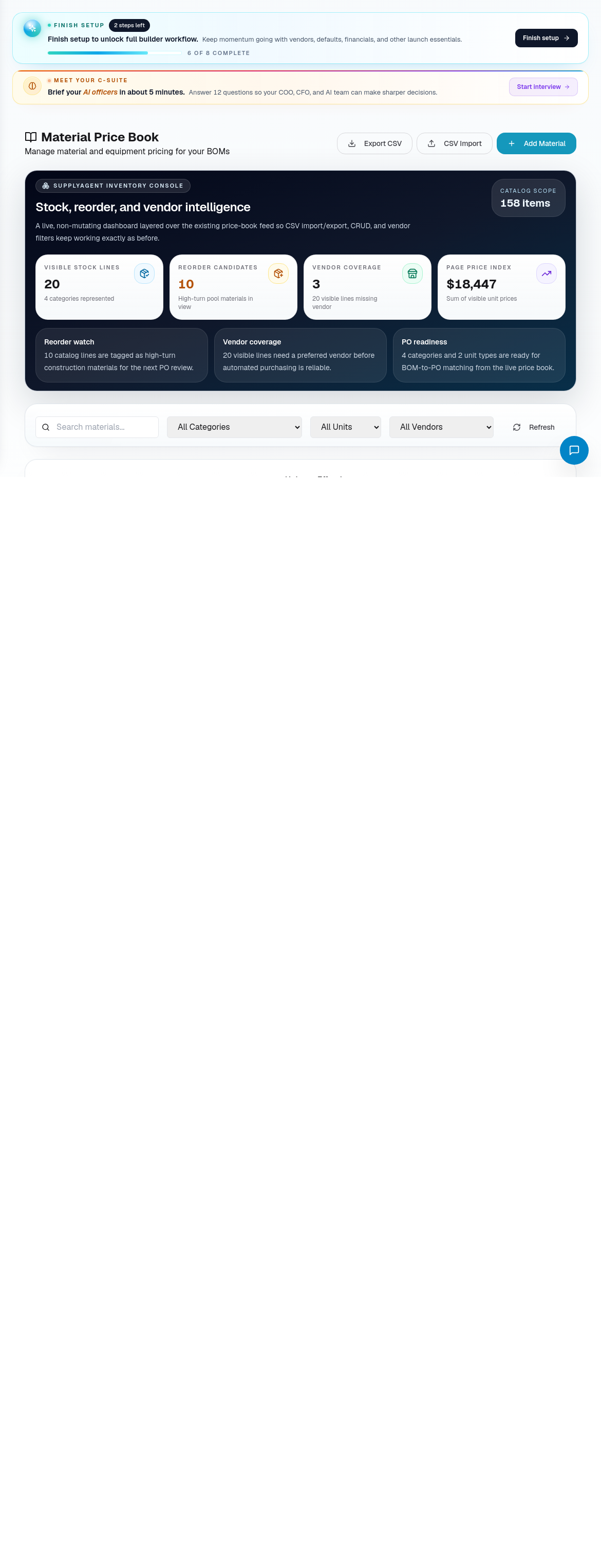
Step 3: Check price and catalog assumptions
Open Price Book when a material price, catalog item, or estimate assumption needs confirmation.
Use it to:
- Confirm the material exists in the catalog.
- Review current pricing.
- Add or update material records when needed.
- Note variance-sensitive items before quotes or POs are approved.
- Keep vendor and item naming consistent.
If a price is uncertain, mark it as a risk rather than hiding it in the PO.
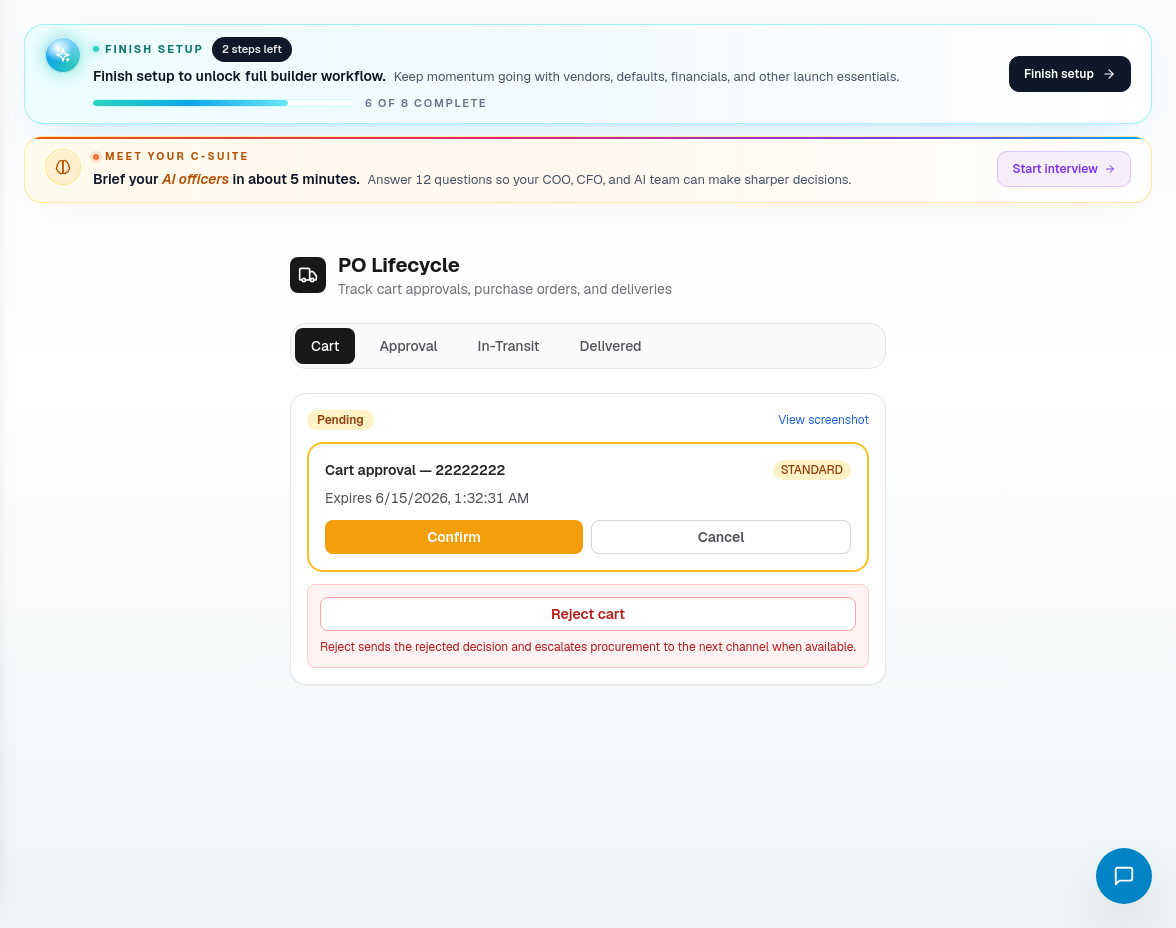
Step 4: Create or review the purchase order
Open PO Lifecycle for the active purchase order workflow.
Review or fill:
- Job.
- Vendor.
- Material line items.
- Quantities and units.
- Expected price.
- Required-by date.
- Delivery or pickup instructions.
- Approval status.
- Receiving status.
- Notes for schedule impact.
Do not approve a PO that conflicts with the job's material handling plan, quote assumptions, or current schedule.
Step 5: Track delivery and receiving
After a PO is active, keep the lifecycle current.
Update:
- Ordered date.
- Confirmation status.
- Expected arrival.
- Actual receipt.
- Partial receipt or backorder notes.
- Damaged, missing, or substituted items.
- Schedule impact.
If delivery slips, update the job or schedule risk immediately. Procurement risk becomes construction risk when the phase date stays unchanged.
Step 6: Feed procurement risk back into operations
Close the loop with DispatchIQ, CascadeIQ, and the job record.
Escalate when:
- Required material will miss the scheduled phase.
- Vendor pricing changes margin.
- A substitute needs approval.
- The subcontractor expected builder-supplied materials that are not ready.
- Inventory does not match what the schedule assumes.
Related screens
| Portal area | Use it for |
|---|---|
| Procurement | Material watch items and procurement risk. |
| PO Lifecycle | Purchase order status, approval, receiving, and follow-up. |
| Vendors | Supplier contacts and vendor readiness. |
| Price Book | Material catalog and pricing assumptions. |
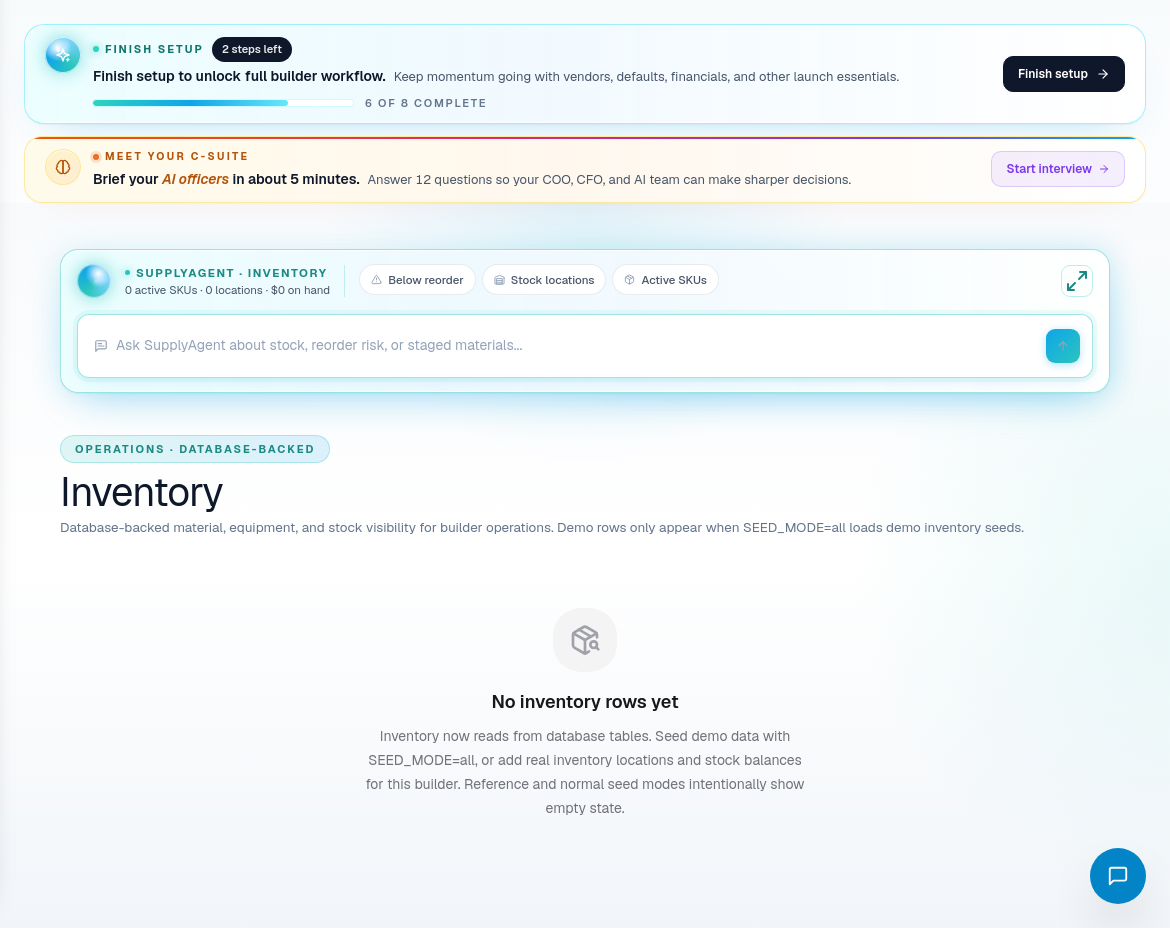
| Inventory | Available, staged, or received material visibility. |
| Jobs / Job Detail | Job-level material context and schedule impact. |
| CascadeIQ | Schedule decisions affected by procurement readiness. |