Service and Warranty
Service and warranty workflows carry the builder relationship beyond construction. Use these screens to manage handoff, completed-pool context, service plans, chemistry, tickets, routing, automation devices, and warranty work.
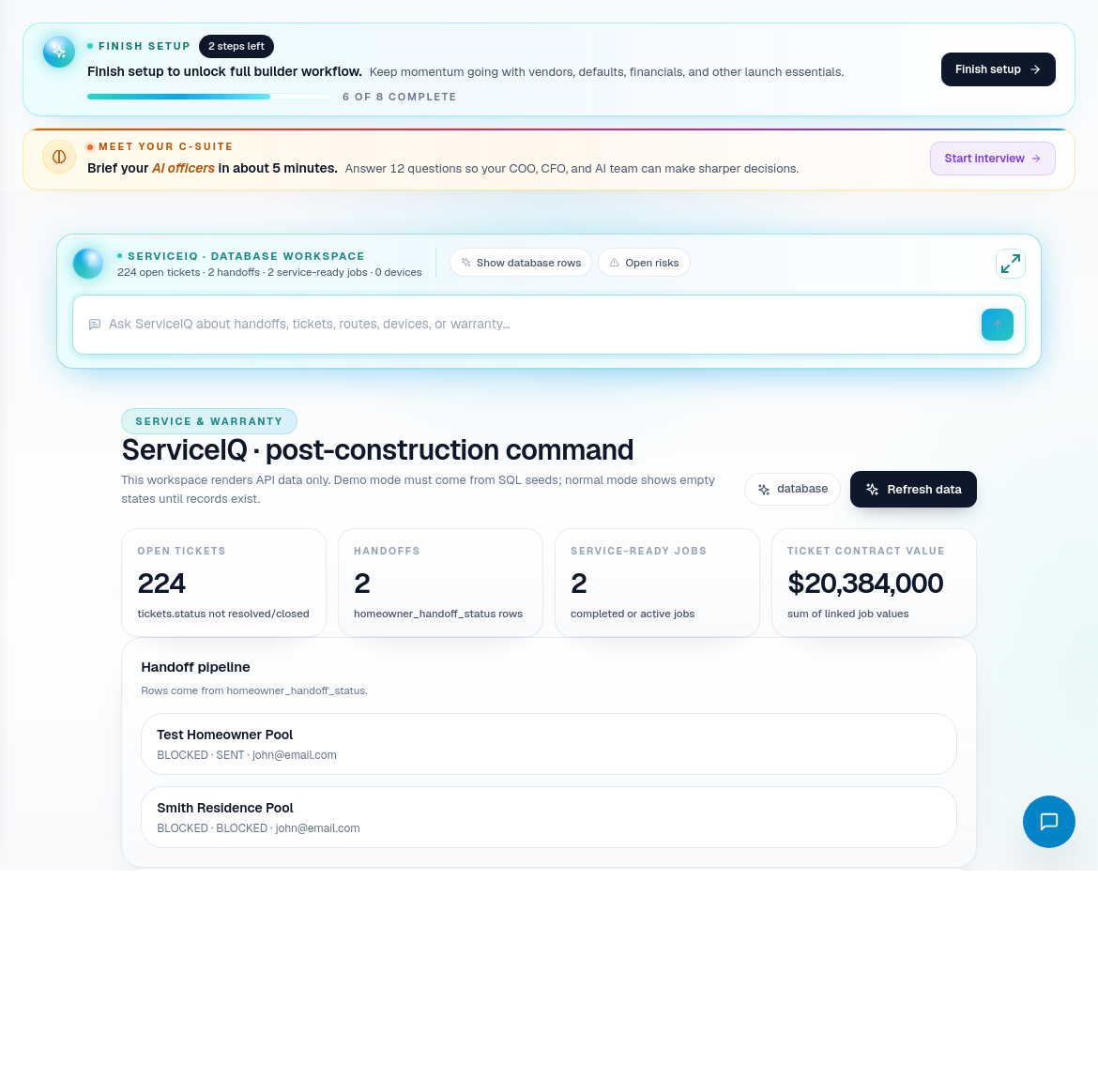
ServiceIQ overview
Start in ServiceIQ Overview when reviewing post-construction work. It helps answer:
- Which completed jobs are ready for service handoff?
- Which customers need service follow-up?
- Are there service tickets, routes, or warranty items that need attention?
- Are connected devices or automation records relevant?
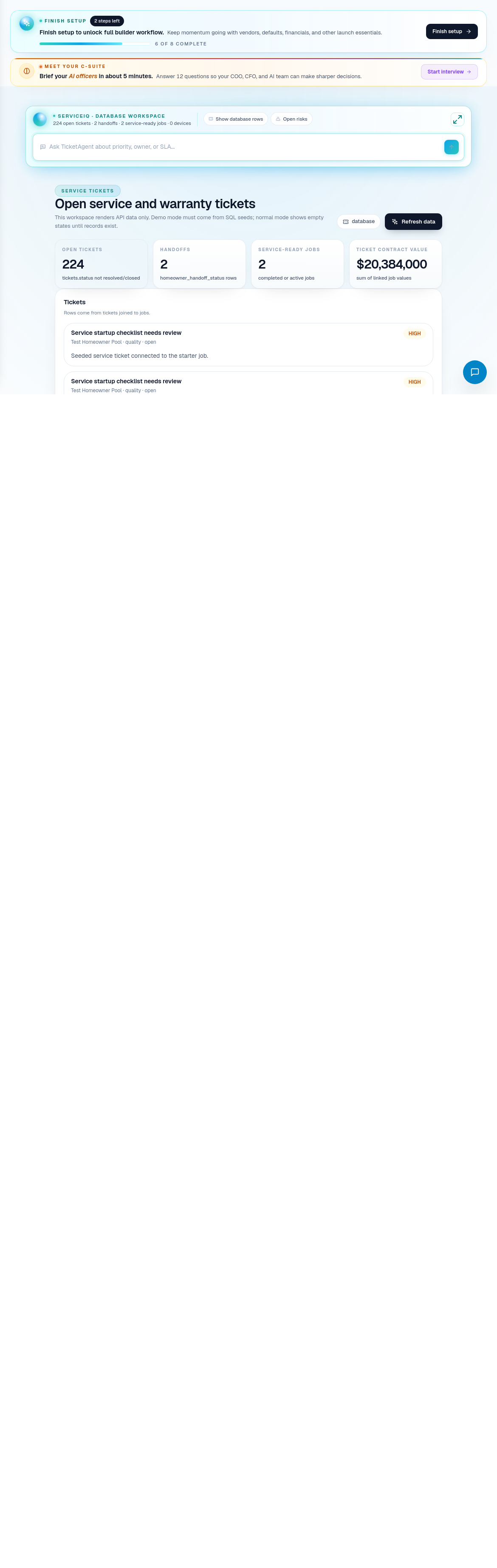
Service ticket process
- Open the service or warranty view that matches the customer issue.
- Confirm the related pool, job, homeowner, and service context.
- Create or review the service ticket.
- Assign the next owner or route.
- Add notes, evidence, or warranty context.
- Close only when the service outcome is documented.
Service route coverage
| Portal area | Use it for |
|---|---|
| ServiceIQ Overview | Post-construction command center. |
| Handoff & Pools | Moving completed builds into service-ready ownership. |
| Chemistry / Test Bench | Water chemistry and test workflows. |
| Service Plans | Plan attach and recurring service context. |
| Service Tickets | Trackable service and warranty issues. |
| SmartRoute | Service route planning. |
| Pool Automation | Connected pool automation and devices. |
| Warranty | Warranty cases and warranty context. |
Service operating habits
- Keep service work connected to the original job when possible.
- Use tickets for trackable issues instead of informal notes.
- Separate warranty responsibility from general service follow-up.
- Keep handoff records clean so service teams inherit accurate pool context.
- Use customer service workflows when the issue is primarily communication.