Settings and Banking Configuration
Use this workflow when an admin needs to keep PoolPM configured for the way the builder actually operates. The userbase is the owner, admin, controller, or operations lead responsible for clean setup, permissions, payment safety, and company defaults.
Workflow outcome
At the end of this workflow, company settings, team access, alerts, knowledge, banking, and operational templates should reflect the real builder process and should not create approval, payment, or routing surprises.
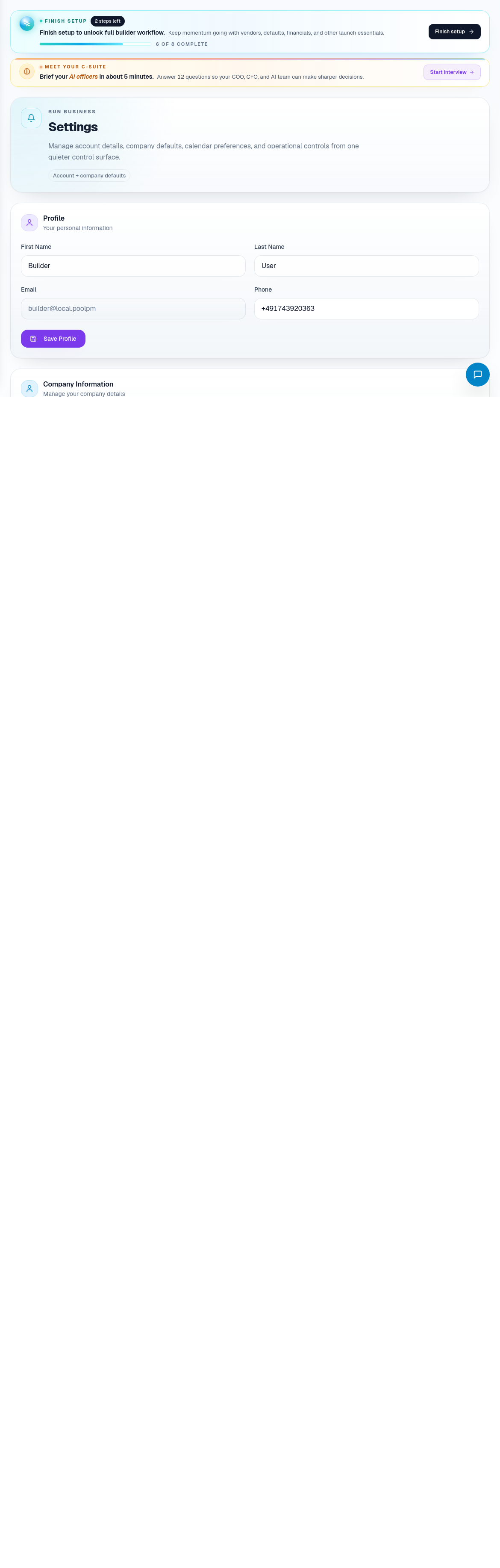
Step 1: Review company and team settings
Open Settings when company information, user access, or operating defaults need review.
Check:
- Company name and contact details.
- Builder profile information.
- Team members and roles.
- Phase templates or defaults.
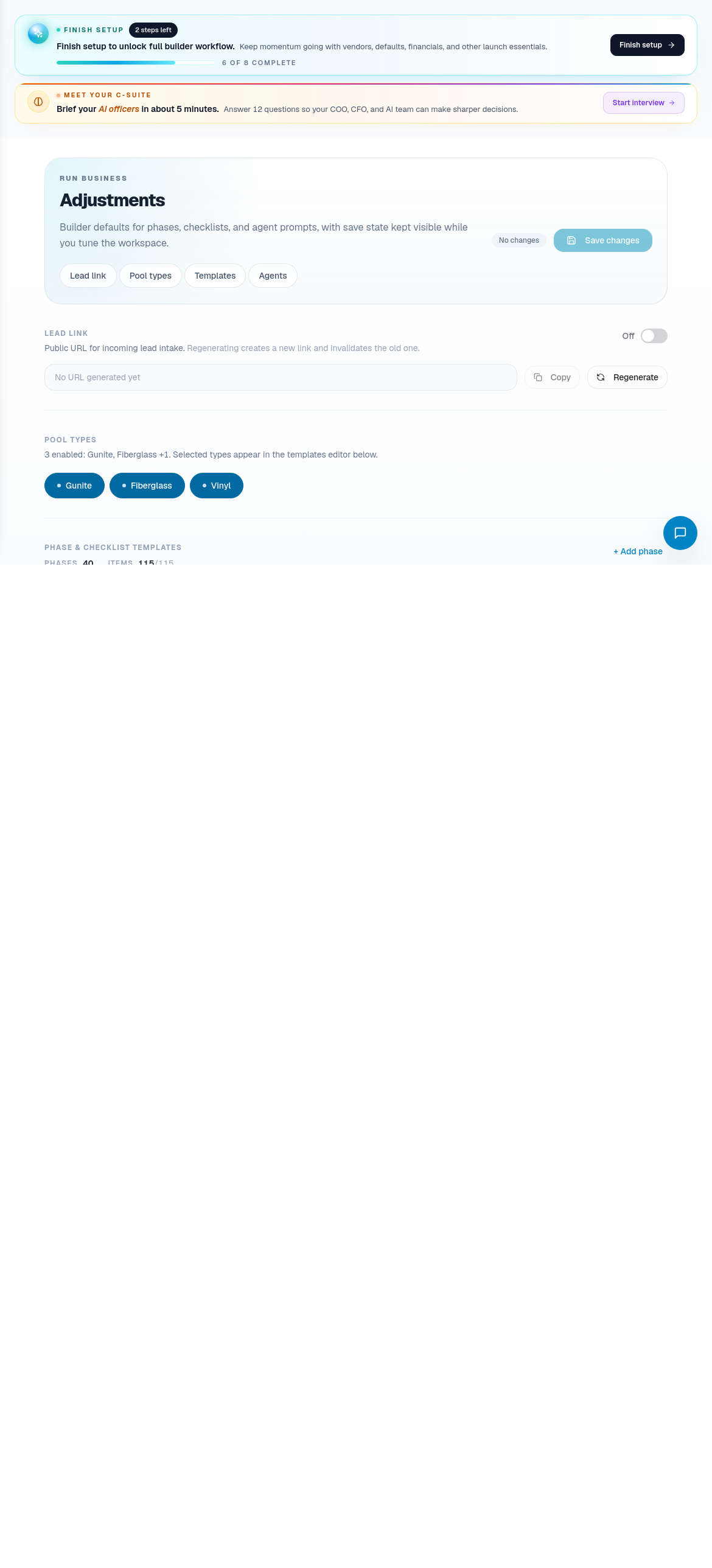
- Enabled pool types.
- Lead-link configuration.
Remove or downgrade access when someone no longer needs it. Permissions should match real responsibilities.
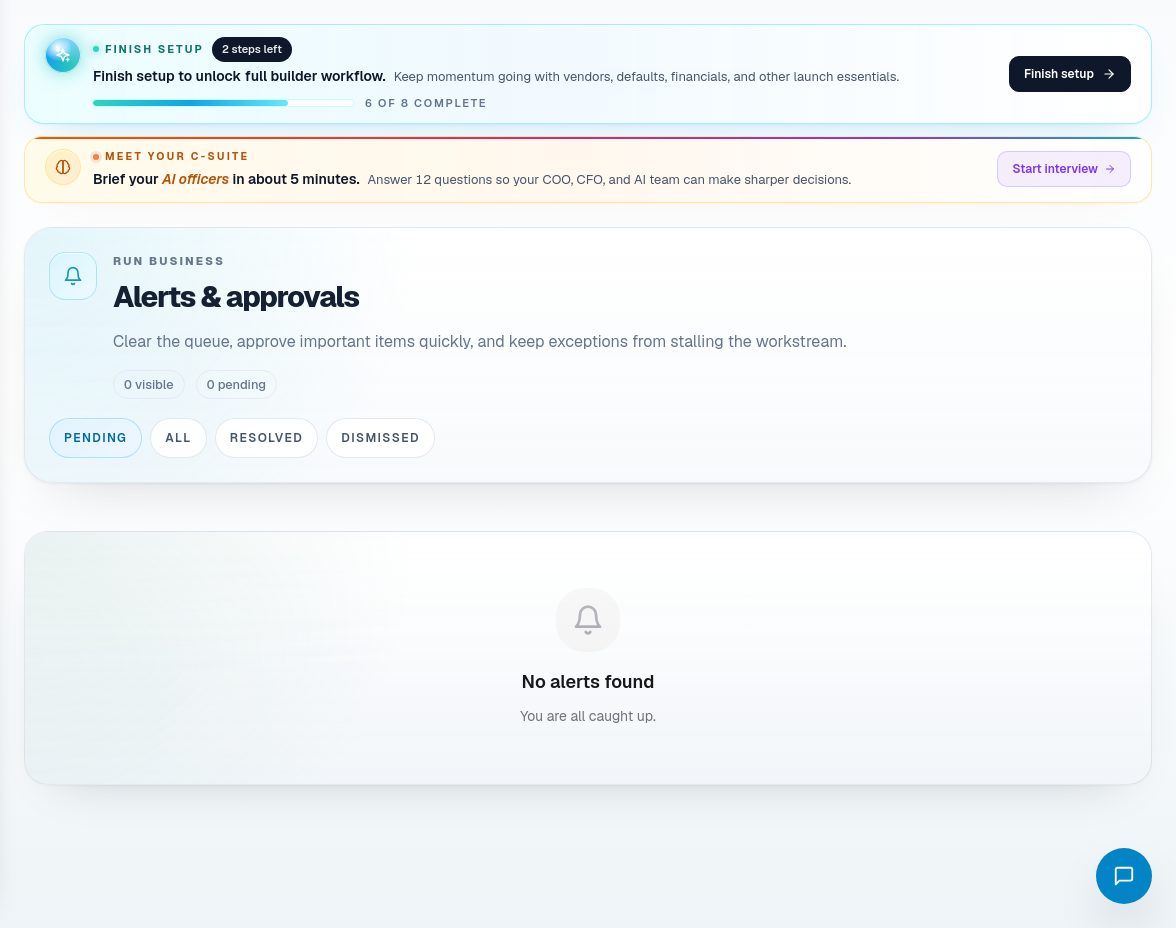
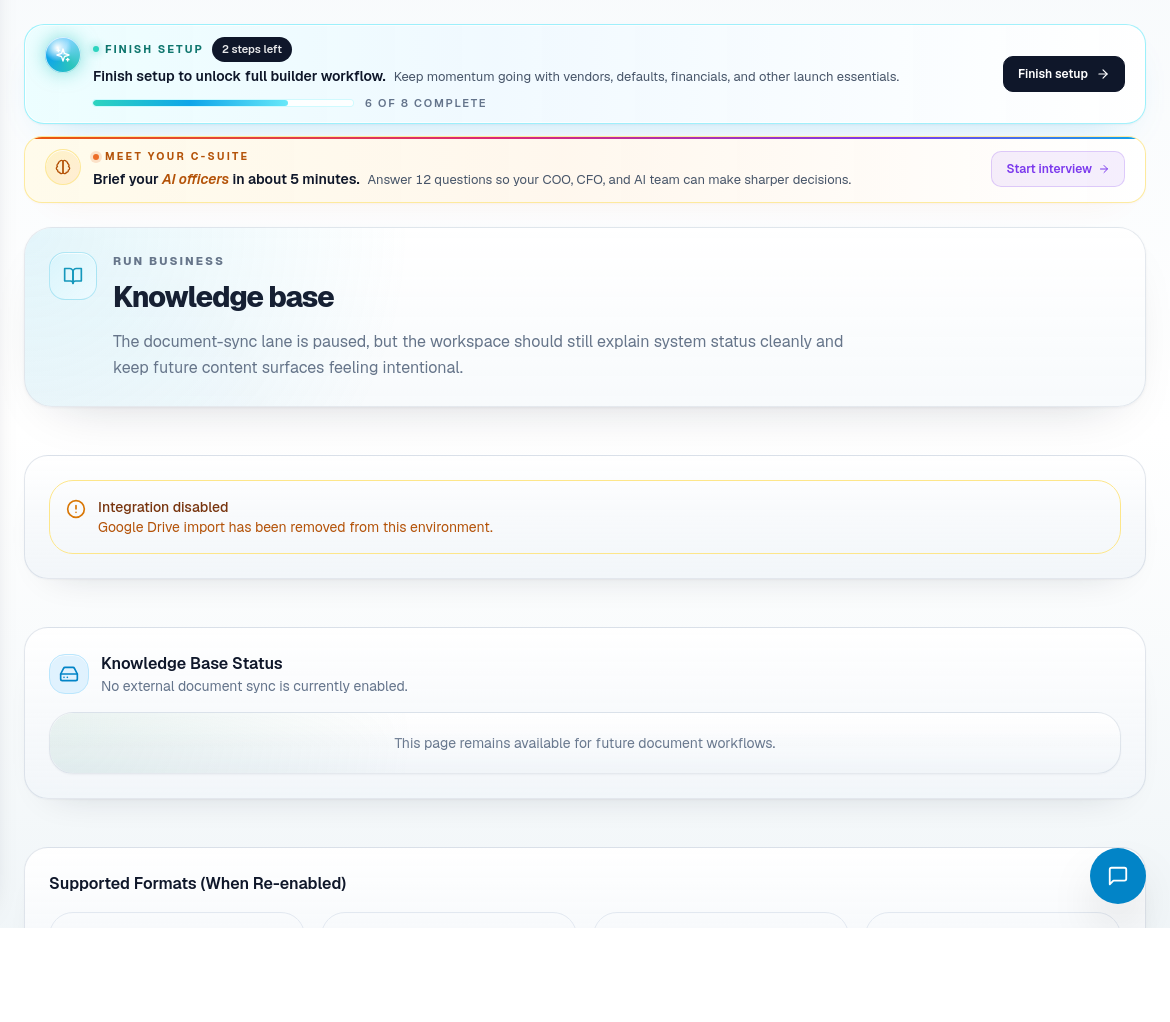
Step 2: Maintain alerts and knowledge
Use Alerts and Knowledge Base to keep operational guidance usable.
For alerts:
- Review the source.
- Decide if it is action-worthy.
- Resolve only after the underlying issue is handled.
- Leave context when the reason is not obvious.
For knowledge:
- Keep policy, process, and FAQ content current.
- Remove stale instructions.
- Add information that helps staff or agents answer consistently.
Step 3: Review templates and adjustments
Use Adjustments for operating templates, phase changes, and trade-specific defaults.
Check:
- Pool type templates.
- Phase adjustments.
- Trade draft details.
- Agent inventory or checklist-related settings.
- Whether templates still match field reality.
Templates should reduce repeated decisions without hiding exceptions.
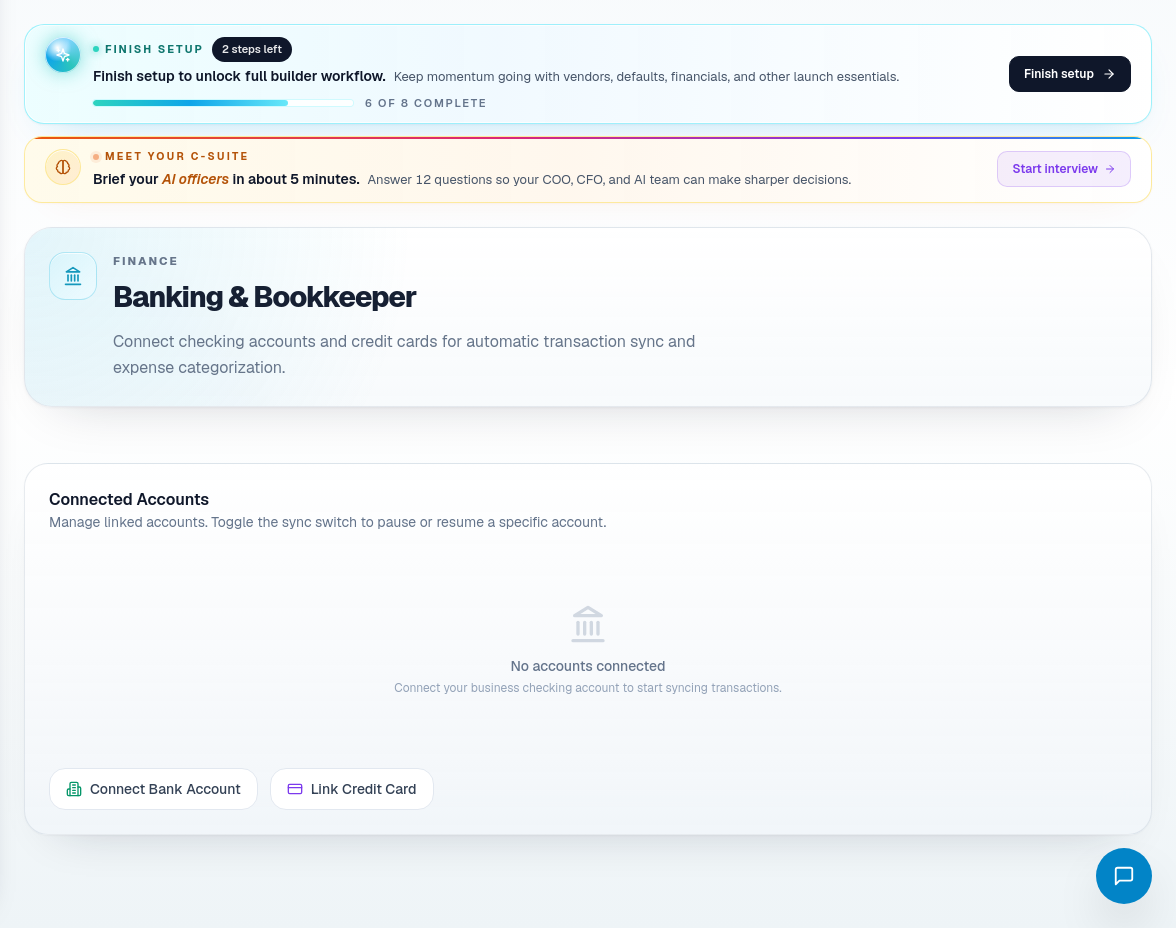
Step 4: Review banking and payment settings
Open Banking Settings when payment rails, bank status, or approval thresholds need review.
Check:
- Connected bank status.
- Reauthorization needs.
- Payment provider status.
- Auto-approval threshold.
- Multi-approval threshold.
- Who should approve higher-risk payments.
Do not raise auto-approval thresholds just to reduce clicks. Approval thresholds are risk controls.
Step 5: Review agent prompts carefully
Use Agent Prompts when AI behavior needs review.
Before changing prompts:
- Identify the workflow the agent affects.
- Decide what outcome should change.
- Keep prompts specific to builder process.
- Avoid asking agents to bypass approval gates.
- Test the affected workflow after important changes.
Step 6: Revisit configuration after process changes
Update settings when the builder changes:
- Pool types offered.
- Phase sequencing.
- Standard subcontractors.
- Payment rules.
- Team roles.
- Communication policy.
- Lead intake process.
- Service or warranty process.
Related screens
| Portal area | Use it for |
|---|---|
| Settings | Company profile, team access, defaults, lead link, and pool configuration. |
| Banking Settings | Bank status, payment provider status, and approval thresholds. |
| Alerts | Operational alerts and resolution. |
| Knowledge Base | Company process and support knowledge. |
| Adjustments | Templates, phases, pool-type defaults, and trade settings. |
| Agent Prompts | AI behavior configuration with approval discipline. |