Customer Issue to Service/Warranty
Use this workflow when a homeowner issue, callback, meeting note, support request, or warranty concern needs to become tracked work instead of informal office memory.
Workflow outcome
At the end of this workflow, the customer issue should have a source, owner, job or service context, next action, communication history, and a service or warranty ticket when field follow-up is required.
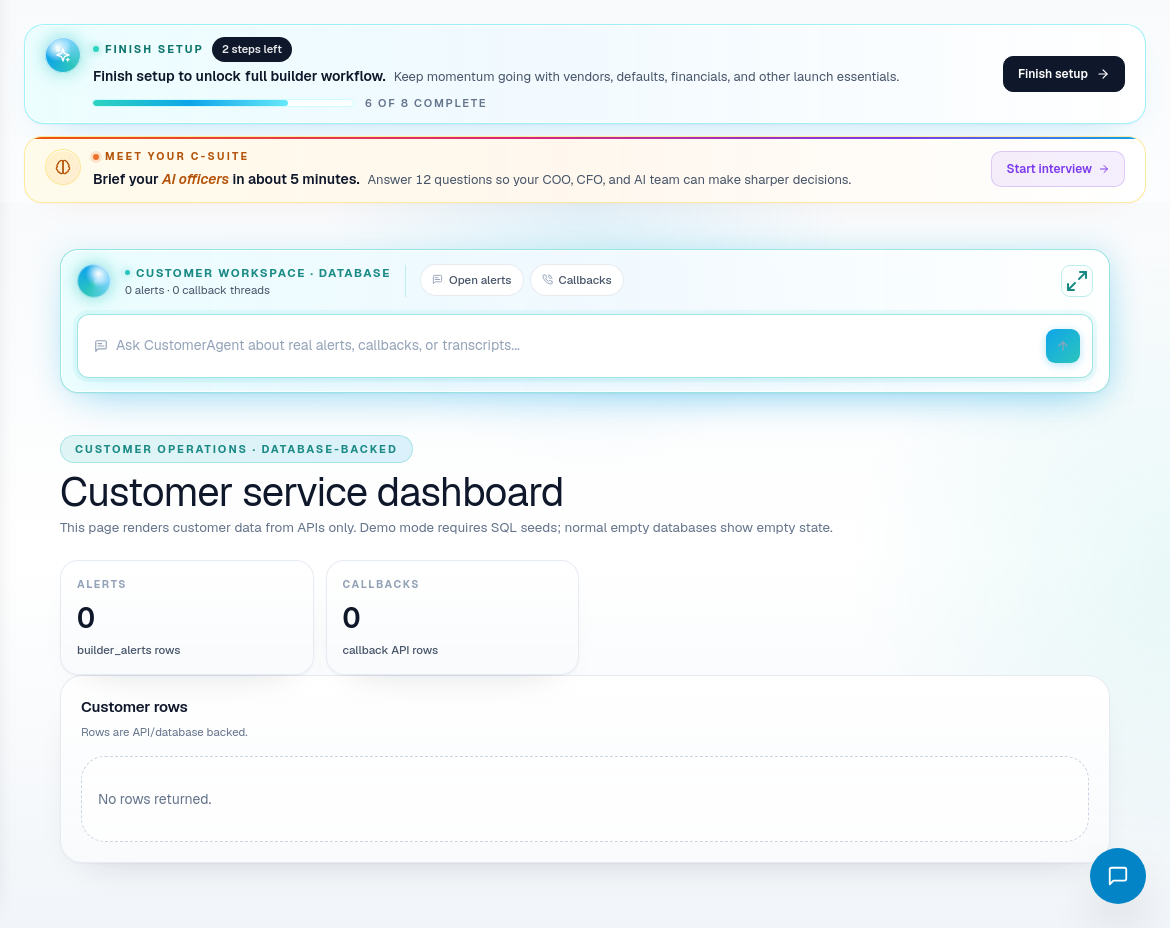
Step 1: Triage the issue
Open Customer Service when a homeowner issue appears.
Capture:
- Homeowner name and contact method.
- Related job, pool, or service account.
- Issue category.
- Severity and urgency.
- What the homeowner has already been told.
- Who owns the next response.
Separate communication issues from field issues. A homeowner asking for an update may need better communication. A leak, equipment problem, or warranty claim may need a ticket.
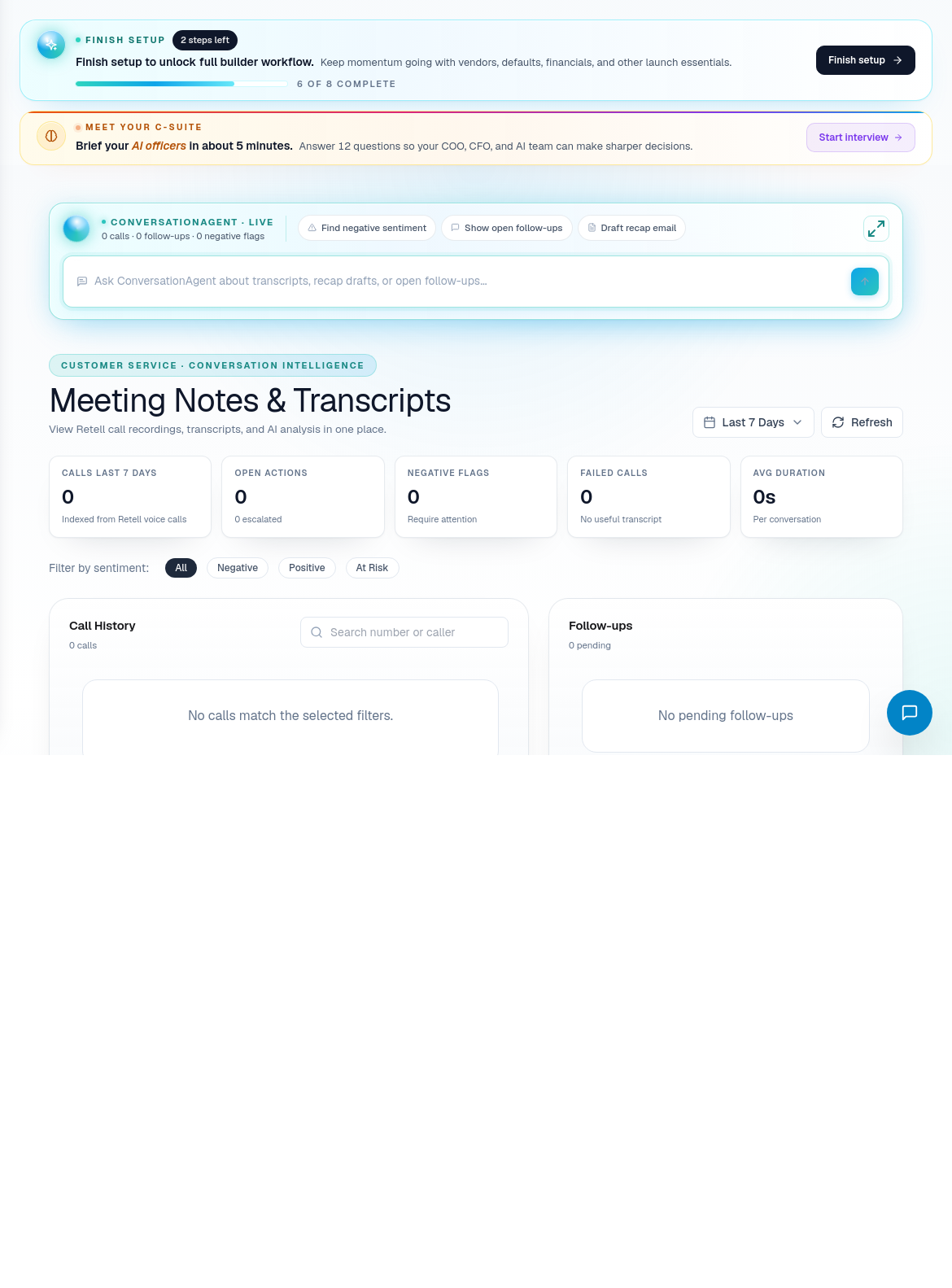
Step 2: Review meeting notes and transcripts
Open Meeting Notes or transcript-related views when the issue depends on prior conversations.
Look for:
- Promises made to the homeowner.
- Decisions that changed scope or expectations.
- Internal follow-up that was assigned.
- Open questions that were never resolved.
- Context that should be copied into a ticket or job note.
Do not make the homeowner repeat information that PoolPM already captured.
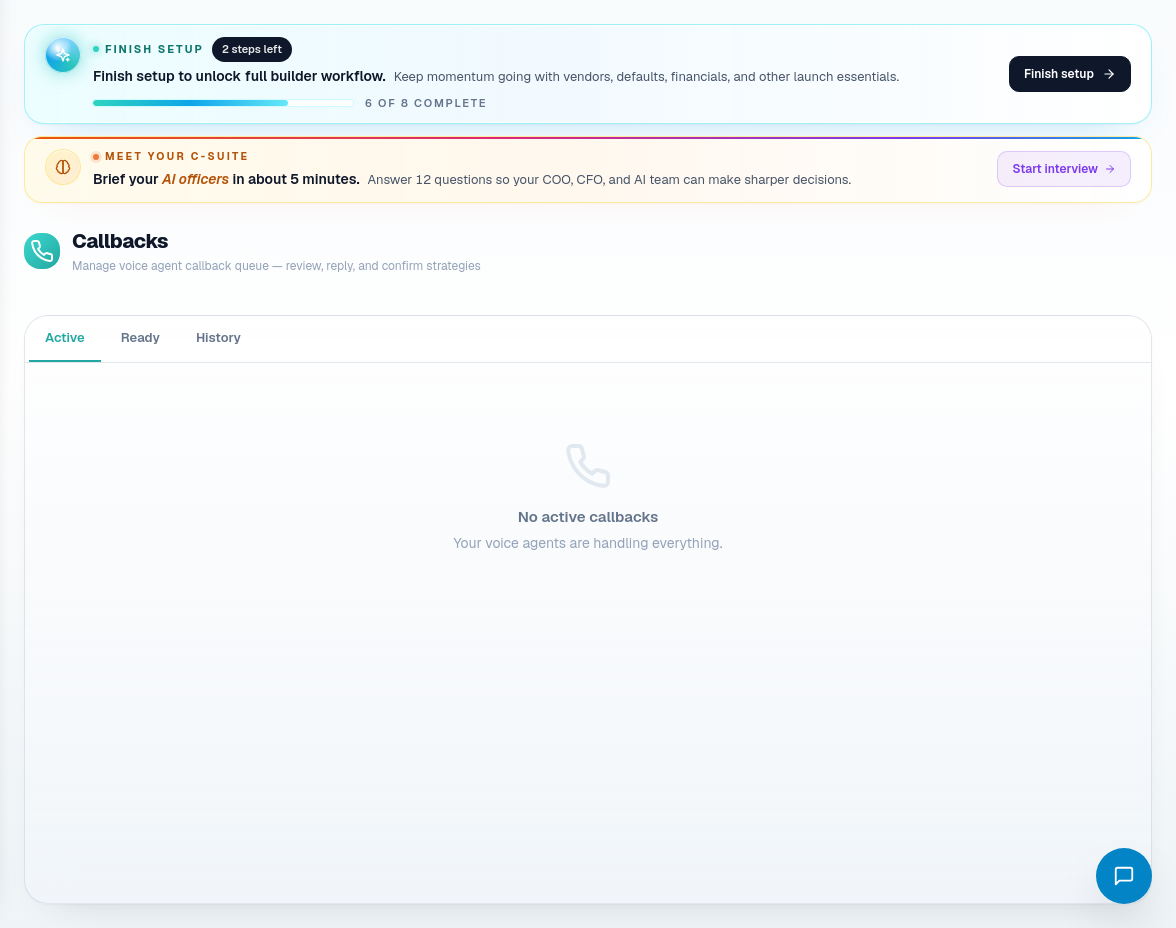
Step 3: Create or update callback follow-up
Use Callbacks when a homeowner needs a response, status check, or scheduled follow-up.
Fill:
- Homeowner and contact method.
- Reason for callback.
- Owner.
- Due date or time.
- Summary of what should be communicated.
- Link to job, ticket, service account, or meeting notes.
A callback is not the same as fixing the issue. It is the communication commitment.
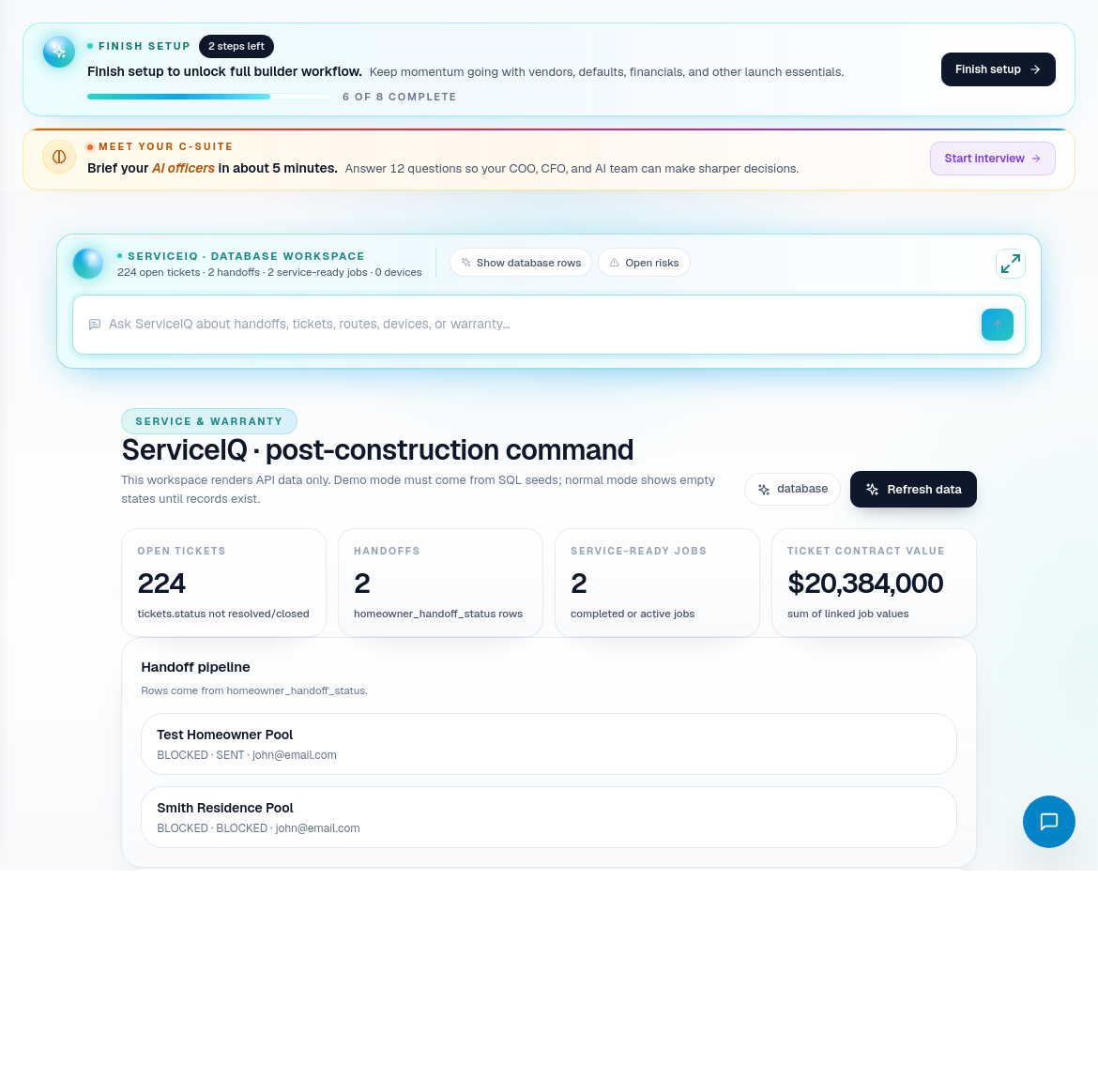
Step 4: Decide if it belongs in ServiceIQ or Warranty
Route the issue based on the work required:
| Issue type | Route |
|---|---|
| Homeowner question or update request | Customer Service and callback follow-up. |
| Construction issue on active job | Job detail, PM owner, QA/QC if evidence is needed. |
| Service visit needed | ServiceIQ ticket or service workflow. |
| Warranty concern | Warranty workflow and service ticket when field work is needed. |
| Chemistry or recurring care | ServiceIQ service plan / chemistry workflow. |
| Route-based field visit | Service route planning. |
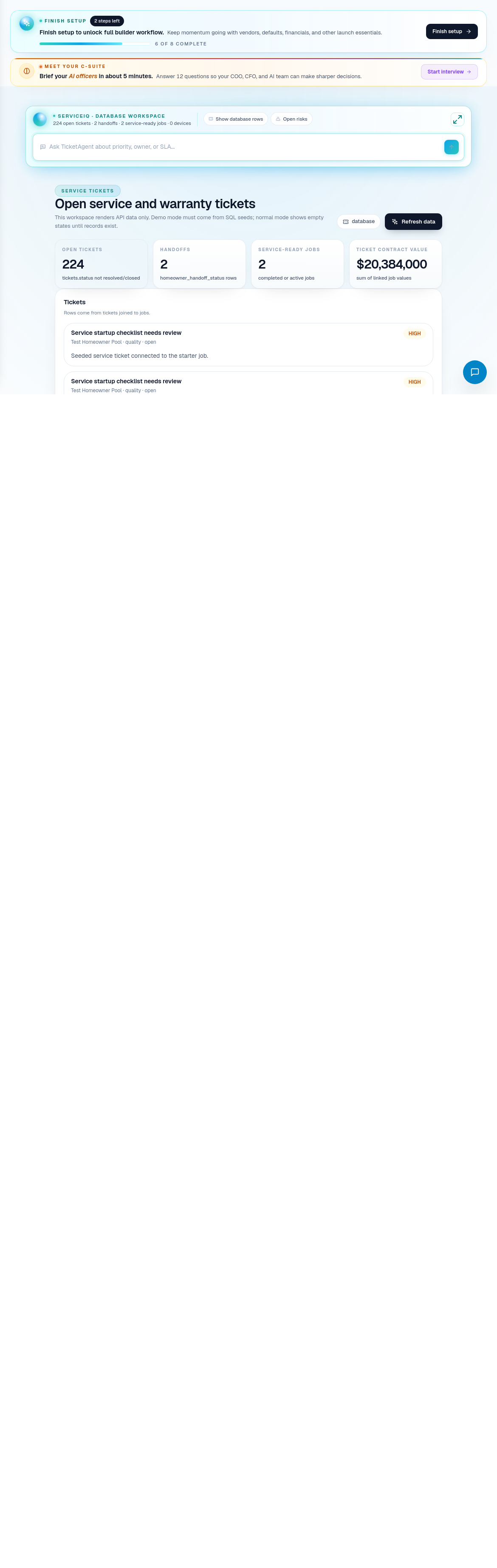
Step 5: Create the service or warranty ticket
When field work is required, create or update the ticket.
Include:
- Homeowner and service address.
- Related job or pool record.
- Issue summary.
- Photos, notes, or meeting context when available.
- Severity.
- Required visit type.
- Assigned service owner or crew.
- Warranty status if relevant.
- Promised response timing.
- Completion and homeowner communication requirements.
Step 6: Close the loop
After the issue is handled, close the operational and communication loops.
Confirm:
- Ticket status is updated.
- Homeowner was notified.
- Warranty or service outcome is documented.
- Any recurring service change is reflected in ServiceIQ.
- Any construction lesson learned is reflected in QA/QC, job notes, or subcontractor follow-up.
Related screens
| Portal area | Use it for |
|---|---|
| Customer Service | Issue triage, homeowner context, support ownership. |
| Meeting Notes / Transcripts | What was promised or discussed. |
| Callbacks | Follow-up commitments and response ownership. |
| ServiceIQ | Post-build service operations and handoff. |
| Service Tickets | Tracked service and warranty field work. |
| Warranty | Warranty-specific classification and follow-through. |
| QA / QC | Evidence review when quality or construction defects are involved. |