QA/QC and Inspection Evidence Review
Use this workflow when field evidence, checklist status, inspection readiness, or a quality issue needs review. The userbase is the PM, field supervisor, or operations lead who needs proof that work is complete and safe to move forward.
Workflow outcome
At the end of this workflow, the team should know whether the phase is ready, whether evidence is accepted or missing, what corrective action is needed, and whether schedule, customer, or payment workflows should be held.
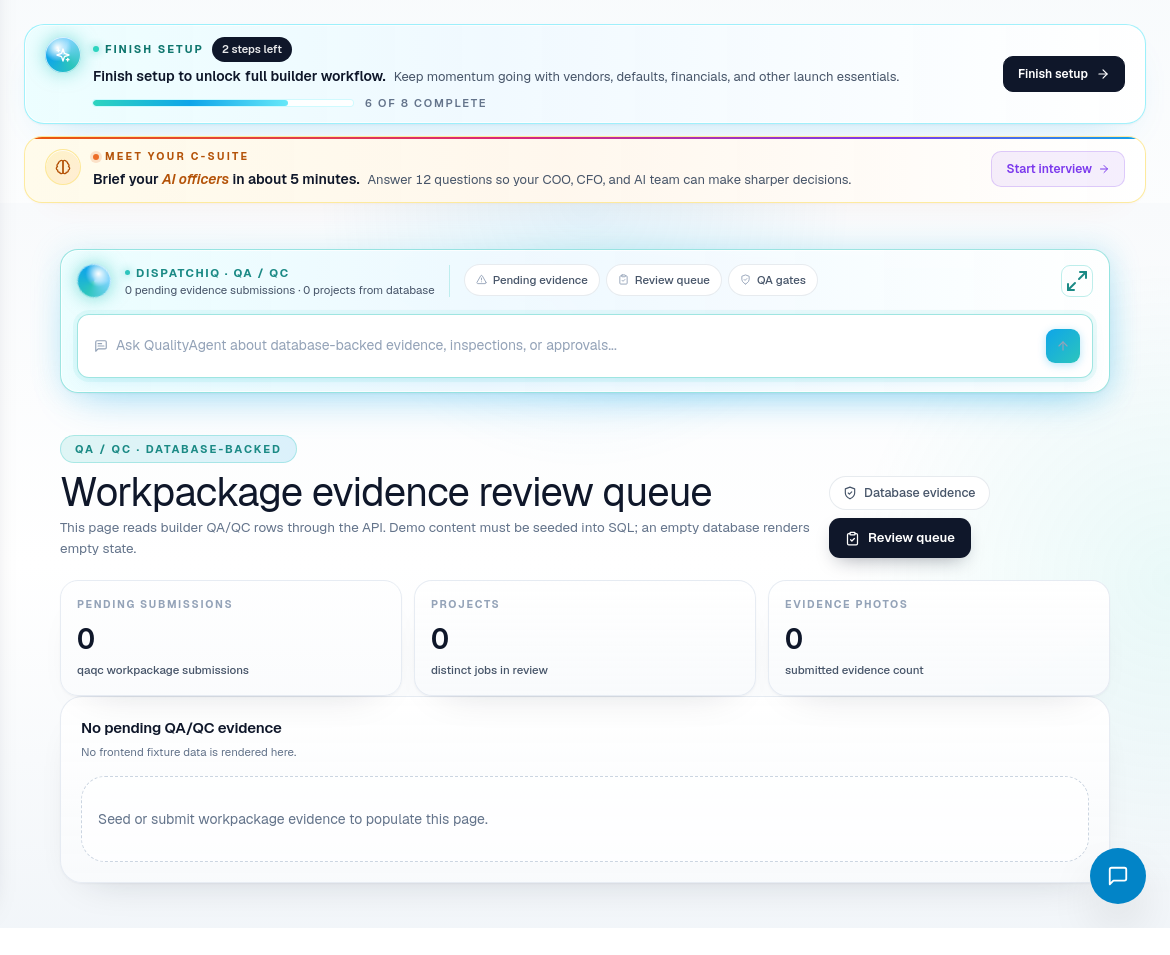
Step 1: Open QA/QC from the source issue
Use QA/QC when:
- A phase claims completion.
- An inspection is upcoming.
- A subcontractor submitted evidence.
- A homeowner reported a quality concern.
- A PM needs proof before approving payment.
- CascadeIQ or DispatchIQ shows quality risk.
Step 2: Identify the job and phase
Before reviewing evidence, confirm:
- Job.
- Phase.
- Subcontractor or crew.
- Checklist requirement.
- Inspection or quality gate.
- Related schedule date.
Evidence without job and phase context is not useful.
Step 3: Review evidence against the requirement
Compare each photo, attachment, or note to what the checklist or phase actually requires.
Ask:
- Does the evidence show the required work?
- Is it from the correct jobsite?
- Is the timing credible?
- Does the image or note prove completion or just activity?
- Is anything missing before the next phase can proceed?
- Does a payment approval depend on this evidence?
Step 4: Accept, reject, or request correction
Use the evidence decision that matches reality:
| Decision | Use when |
|---|---|
| Accept | Evidence proves the required work or inspection readiness. |
| Reject | Evidence is wrong, incomplete, unclear, or not tied to the required item. |
| Request correction | Work may be close but needs another photo, note, repair, or inspection. |
| Hold downstream work | The next phase, payment, or homeowner update should wait. |
Step 5: Update affected workflows
QA/QC findings should not stay isolated.
Update:
- Build Calendar if the phase cannot move forward.
- Job Detail if the issue affects scope, blocker status, or TBD items.
- Sub-Payment Approvals if payment should wait on evidence.
- Customer Service if the homeowner needs communication.
- Subcontractors if the issue affects trade reliability.
Step 6: Close the quality loop
Close the loop only when:
- Corrective action is complete.
- Evidence is accepted.
- The next phase is safe to schedule.
- Payment holds are cleared or documented.
- Customer communication is handled when needed.
Related screens
| Portal area | Use it for |
|---|---|
| QA / QC | Evidence, checklist, quality, and inspection review. |
| Job Detail | Phase context and blockers. |
| Build Calendar / CascadeIQ | Schedule impact from accepted or rejected evidence. |
| Sub-Payment Approvals | Payment holds tied to evidence. |
| Customer Service | Homeowner communication when quality issues surface. |