Administration and Configuration
Administration workflows control how PoolPM behaves for the builder. Use these screens to manage alerts, knowledge, templates, agent behavior, settings, banking, and business configuration.
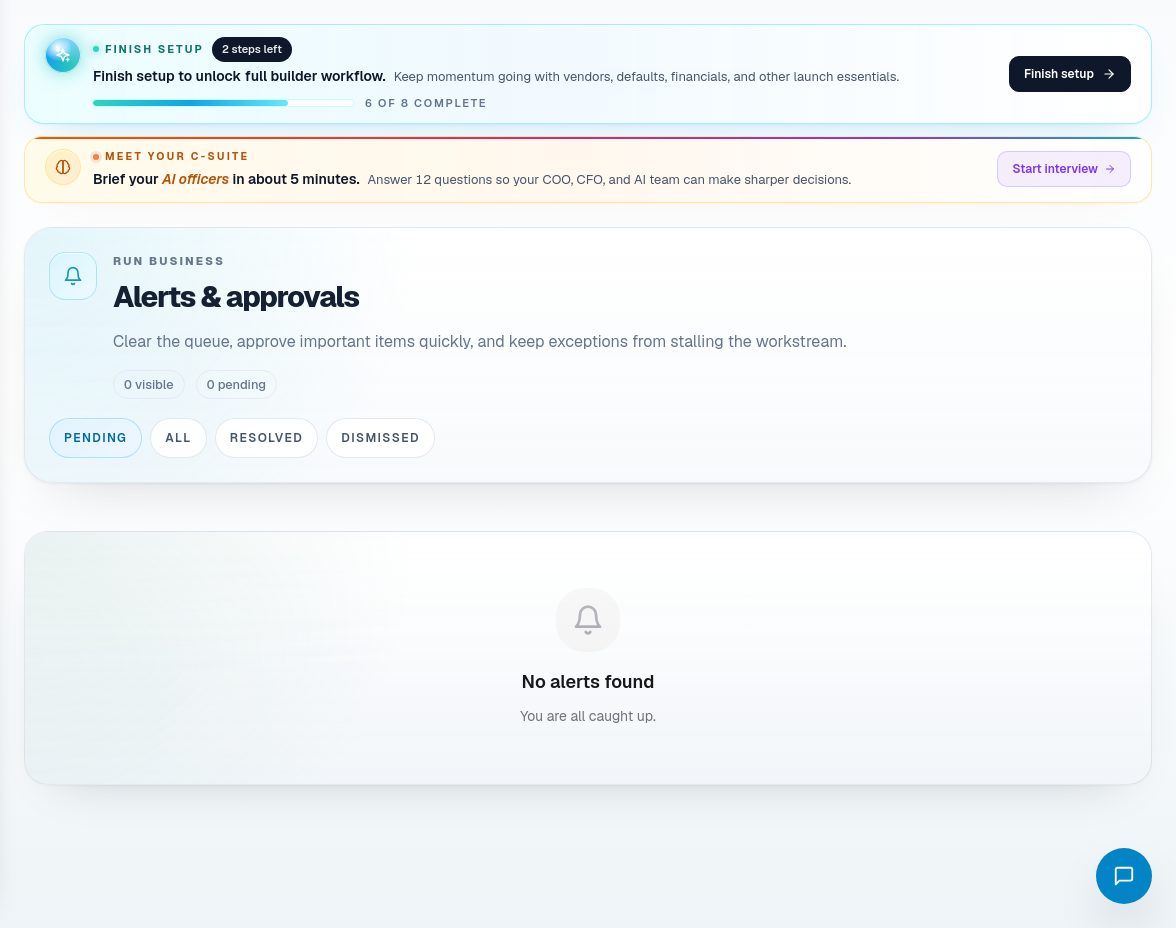
Alerts
Use Alerts to review operational exceptions. Alerts should be converted into action in the owning workflow: job, schedule, procurement, payment, customer service, or settings.
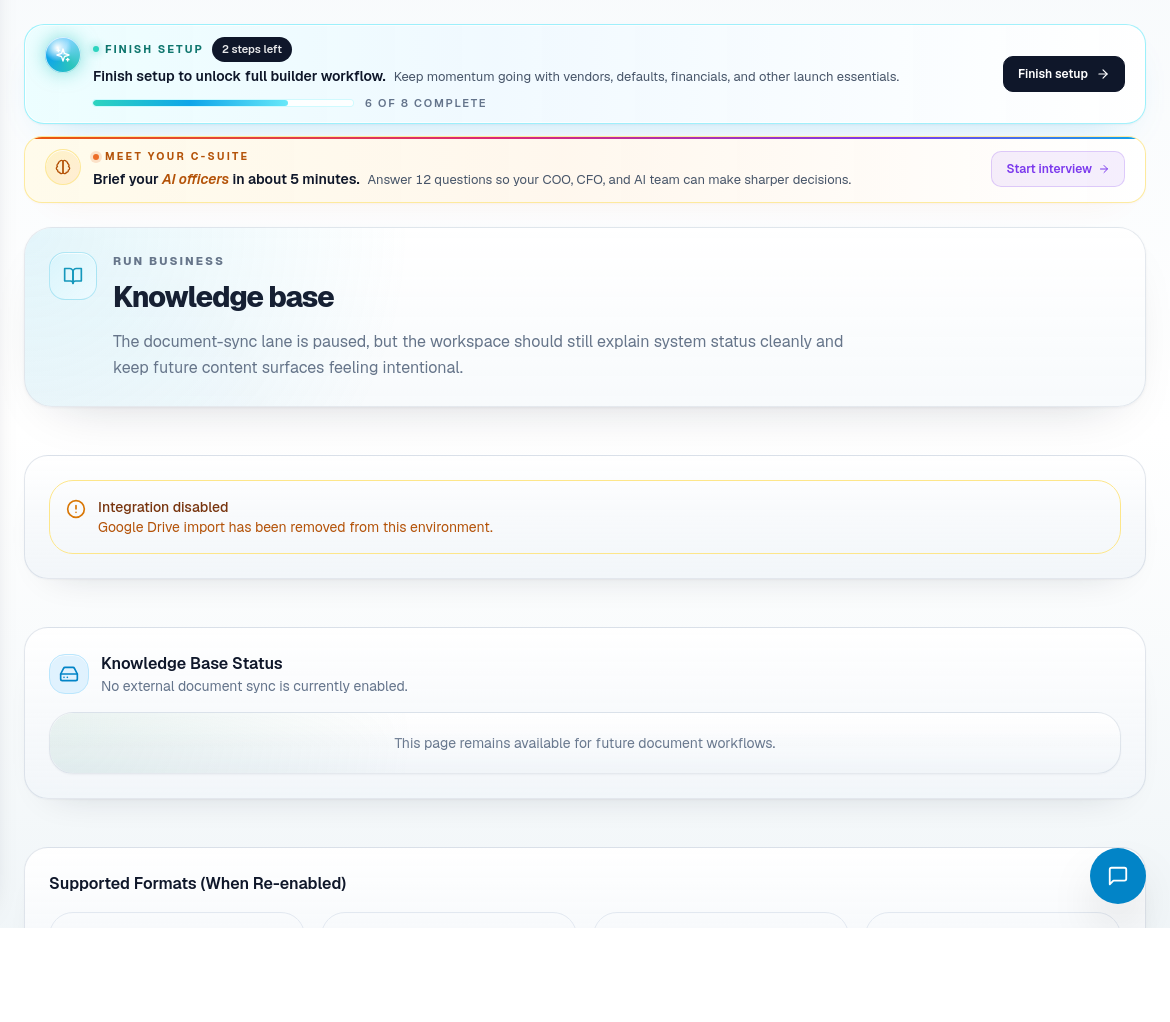
Knowledge base
Use Knowledge Base for documents, procedures, and context that should support answers or agent workflows. Keep knowledge current and remove outdated materials when processes change.
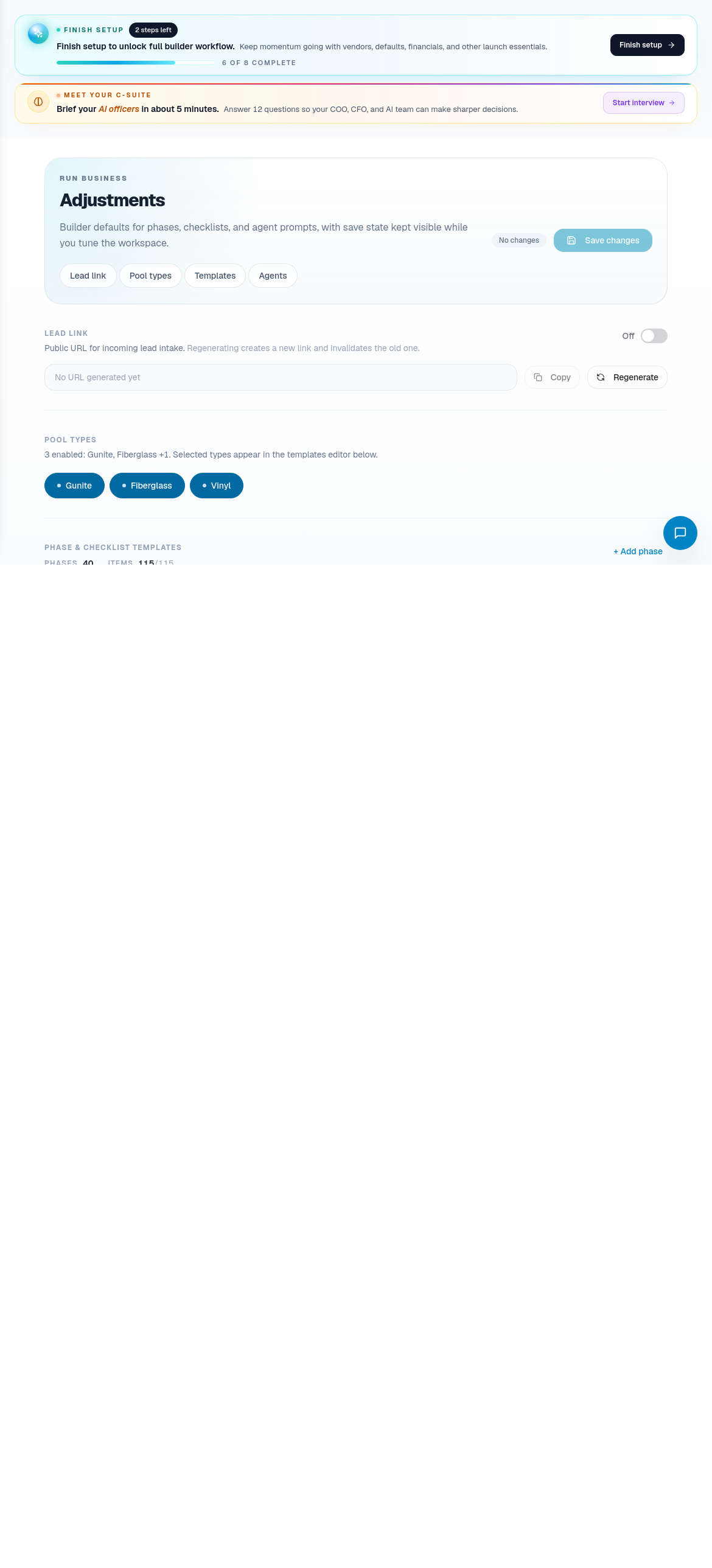
Adjustments and agent prompts
Use Adjustments when the builder needs to tune configuration rather than complete daily work. This includes trades, phases, checklist templates, inspection gates, communication prompts, operations runbooks, retrieval context, and agent behavior.
Be careful with adjustments. A small configuration change can affect future jobs, schedule logic, checklist expectations, or agent outputs.
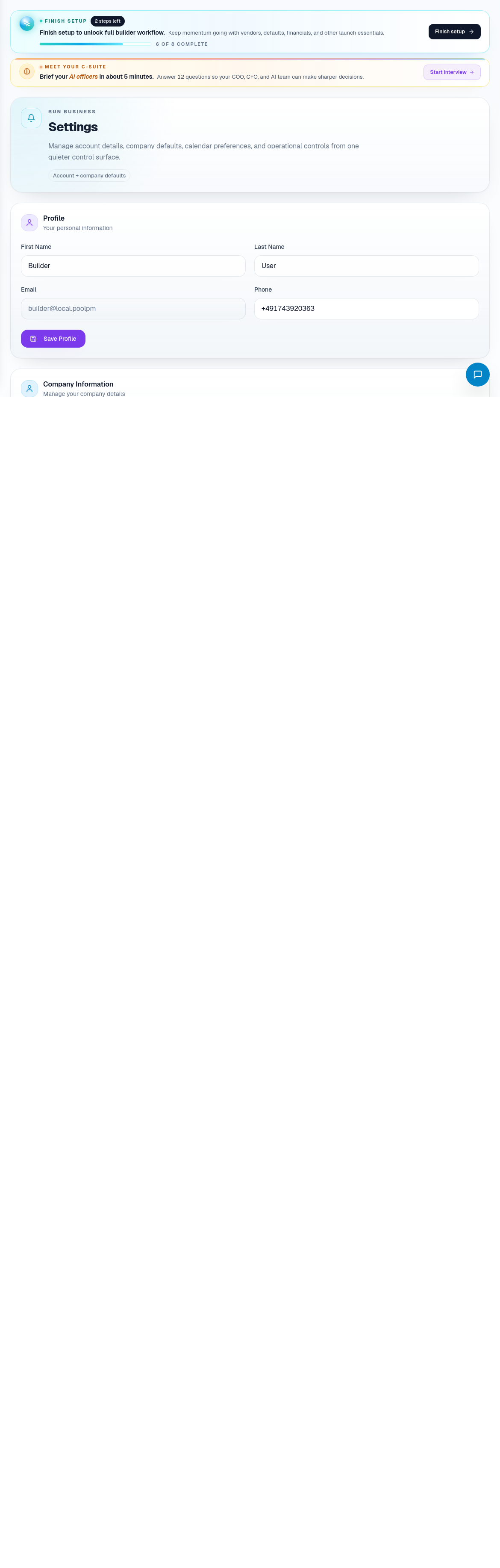
Settings and banking
Use Settings for builder account configuration. Use Banking Settings when payment or banking setup needs review.
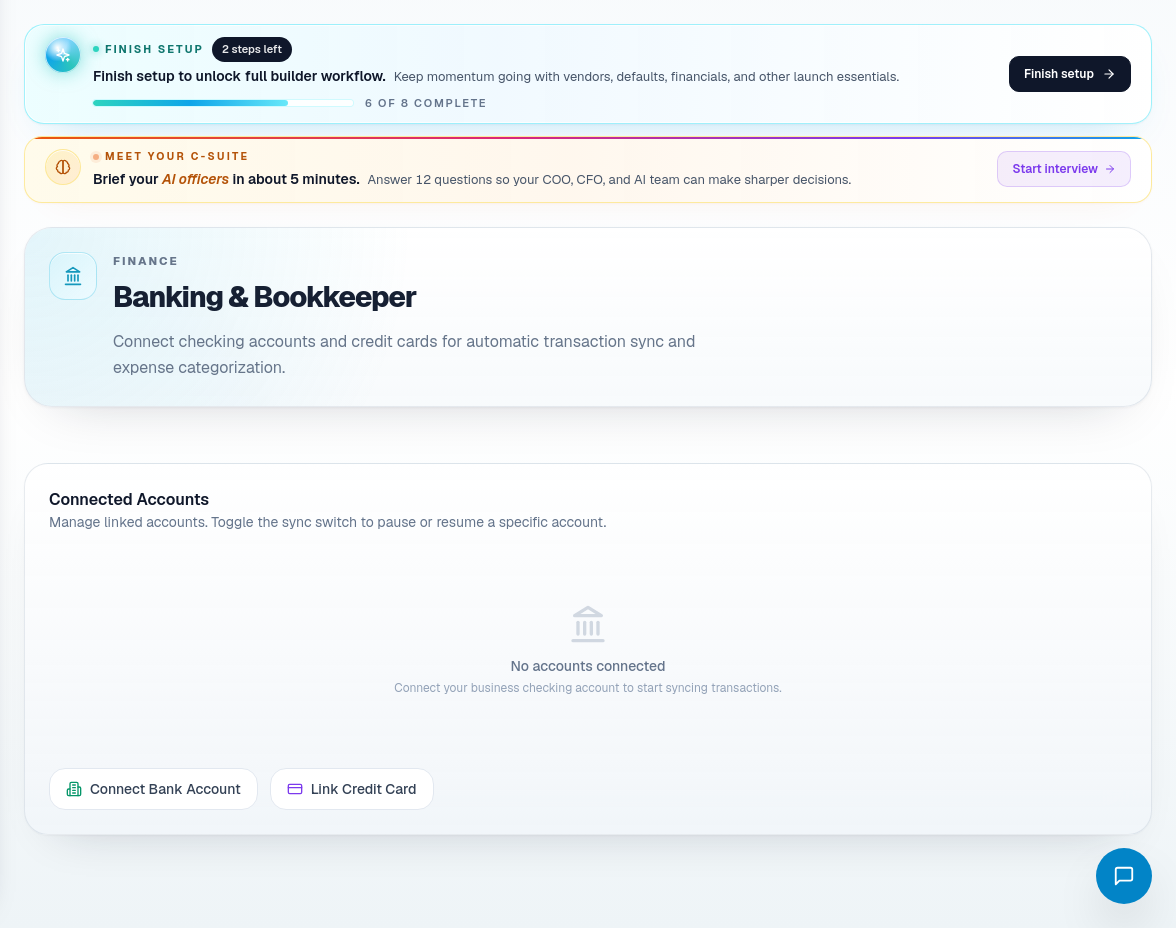
Administration route coverage
| Portal area | Use it for |
|---|---|
| Alerts | Operational exceptions. |
| Knowledge Base | Builder-specific documents and operating knowledge. |
| Adjustments | Trade, phase, checklist, prompt, and agent configuration. |
| Agent Prompt Tuning | Editing a specific agent prompt or behavior configuration. |
| Settings | Builder account and business settings. |
| Banking Settings | Banking and payment readiness configuration. |
Administration habits
- Treat settings changes as business-rule changes.
- Update knowledge after process changes, not months later.
- Review adjustments with the team that owns the workflow.
- Keep banking and payment setup separate from day-to-day finance review.
- If an alert repeats, fix the underlying workflow instead of clearing the alert repeatedly.