Construction and Scheduling
Construction workflows keep the builder focused on schedule reliability, phase handoffs, subcontractor readiness, QA/QC, and field execution. This is where PoolPM turns sold work into buildable work.
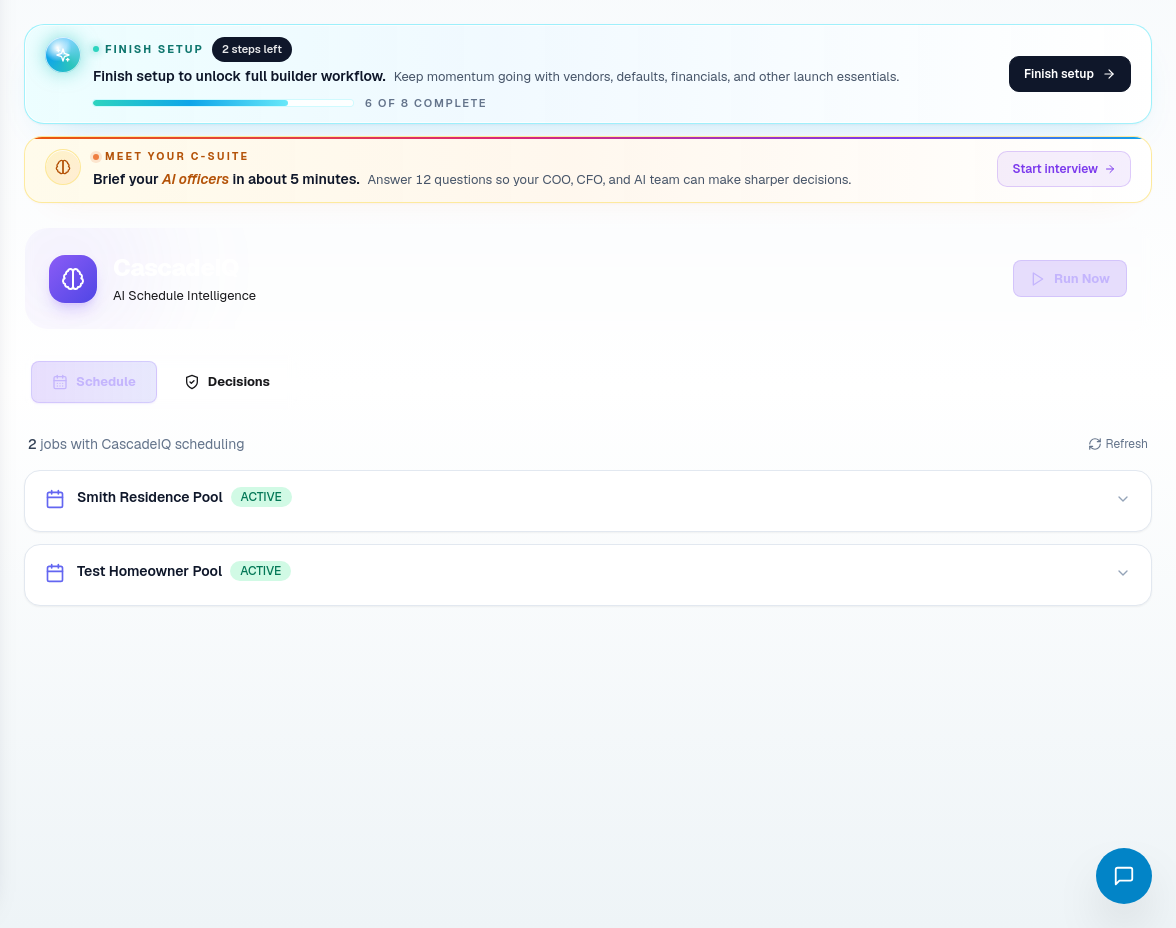
CascadeIQ
Use CascadeIQ when schedule changes need more than a calendar edit. It helps the builder review schedule logic, phase dependencies, procurement readiness, and decisions that may need approval.
Recommended process:
- Open CascadeIQ before approving a major schedule move.
- Review the schedule tab for active jobs and phase timing.
- Review decisions that ask for approval, rejection, or modification.
- Check whether procurement or subcontractor readiness creates a blocker.
- Confirm the action only when the downstream impact is understood.
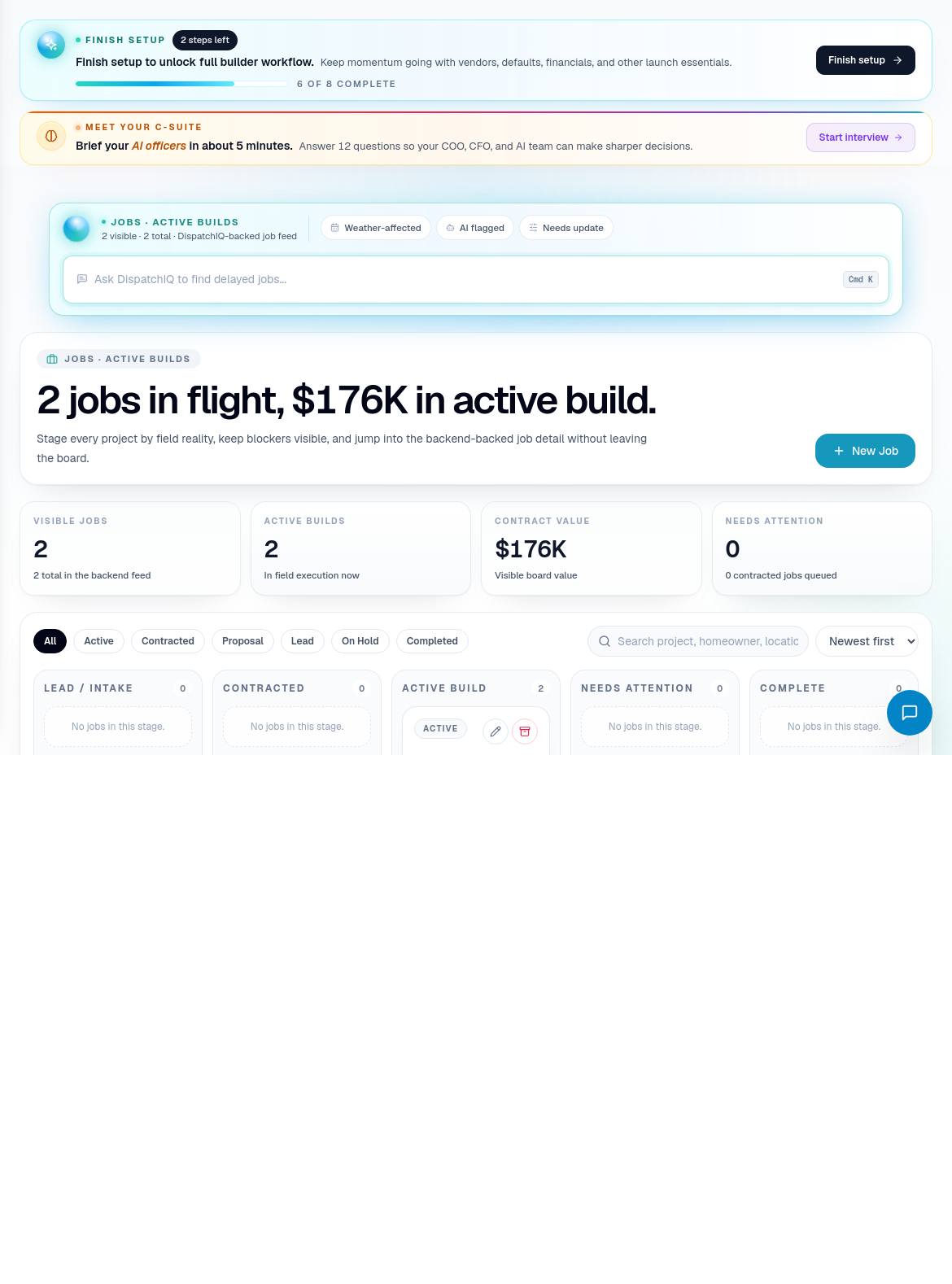
Jobs
Use Jobs for project-level management. A job should contain the build context the team needs to understand the homeowner, scope, status, schedule, blockers, and next phase.
Job workflow:
- Use New Job when a sold project needs to become active work.
- Open a job detail page when you need job-specific schedule, scope, financial, procurement, or homeowner context.
- Use TBD items when missing selections, details, or field decisions are blocking execution.
- Keep status and blockers current so DispatchIQ and CascadeIQ have useful context.
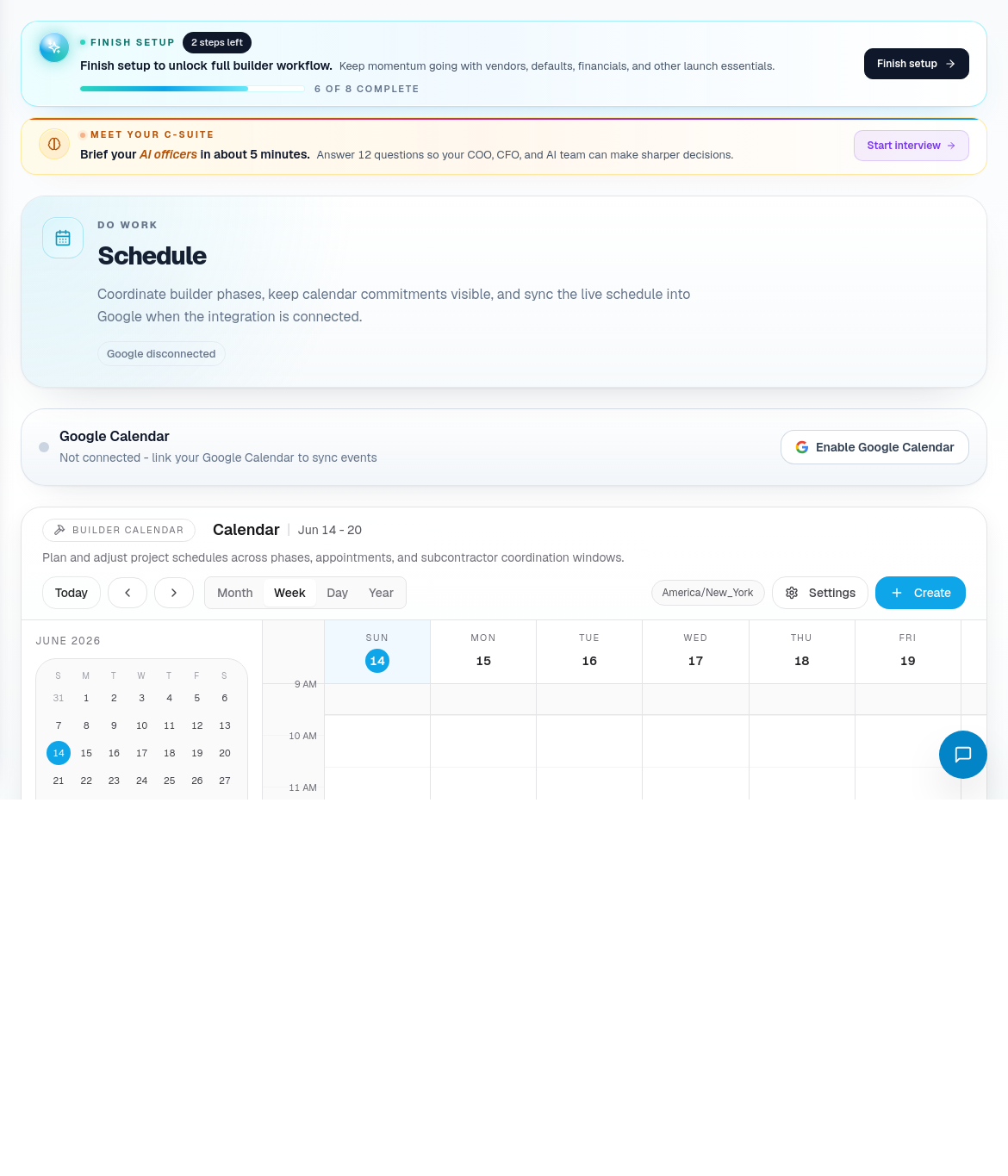
Build Calendar
Use Build Calendar to understand when work is scheduled. Calendar changes should reflect real field readiness, not wishful sequencing.
Before moving a phase:
- Confirm the previous phase is complete or ready to hand off.
- Check subcontractor availability.
- Check material and purchase order readiness.
- Check inspection or QA/QC requirements.
- Communicate changes through the appropriate team and homeowner channels.

Subcontractors
Use Subcontractors to manage trade partners. Keep each record current with company name, trade, contact information, compliance status, qualification status, and assignment readiness.
Good subcontractor records make scheduling and dispatch more reliable. Missing compliance, duplicate records, or incorrect trade classifications create field risk.
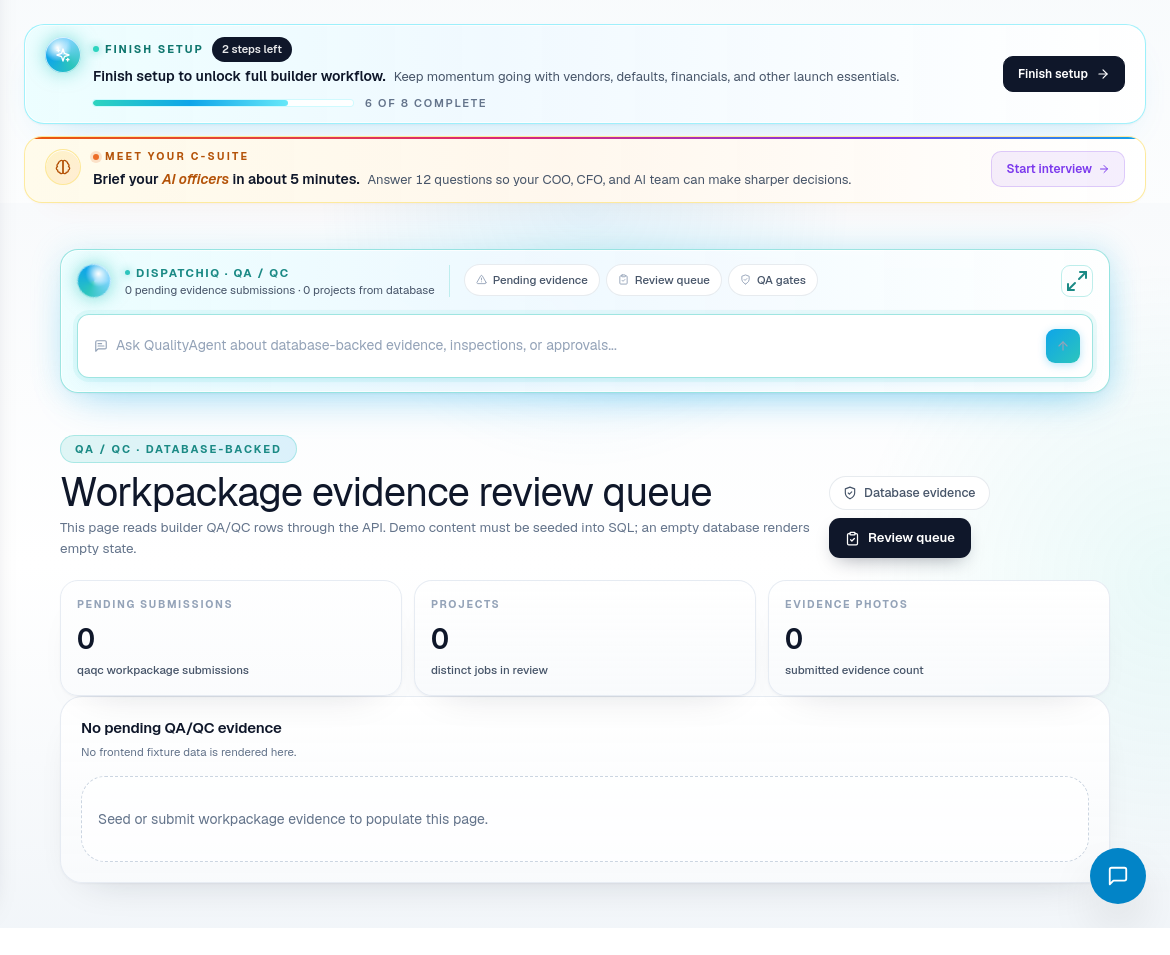
Construction route coverage
| Portal area | Use it for |
|---|---|
| CascadeIQ | Schedule intelligence, phase decisions, and approval-required moves. |
| Jobs | Active build records and job-level context. |
| New Job | Creating a new builder job. |
| Job Detail | Deep project record and job-specific workflows. |
| TBD Items | Missing selections, details, or project decisions. |
| Build Calendar | Calendar planning and phase scheduling. |
| QA / QC | Evidence, inspections, and quality review. |
| Subcontractors | Trade partner directory and qualifications. |
| In-House Labor | Labor rows and internal crew capacity. |
| Inventory | Stock and staged material visibility. |
Construction operating habits
- Do not move a schedule item without checking subcontractor and material readiness.
- Keep job blockers specific and assignable.
- Use QA/QC before the problem reaches the homeowner.
- Keep subcontractor compliance current before assigning work.
- Use DispatchIQ when you need to summarize construction risk across many jobs.