Use C-Suite for Operations Review
Use this workflow when leadership needs to understand the business, choose priorities, and drive follow-up without manually opening every job, lead, PO, ticket, and payment record.
Workflow outcome
At the end of this workflow, leadership should know the biggest operational risks, which officer or team owns them, which agent-prepared work needs approval, and which source workflow should be updated next.

Step 1: Start with DispatchIQ
Open DispatchIQ at the beginning of the day or before an operations meeting.
Review:
- Jobs needing attention.
- Approval queues.
- Schedule risk.
- Revenue or payment signals.
- Procurement watch items.
- Selection blockers.
- Agent tasks that require human review.
DispatchIQ is for triage. If it shows a risk, open the source workflow before making changes.
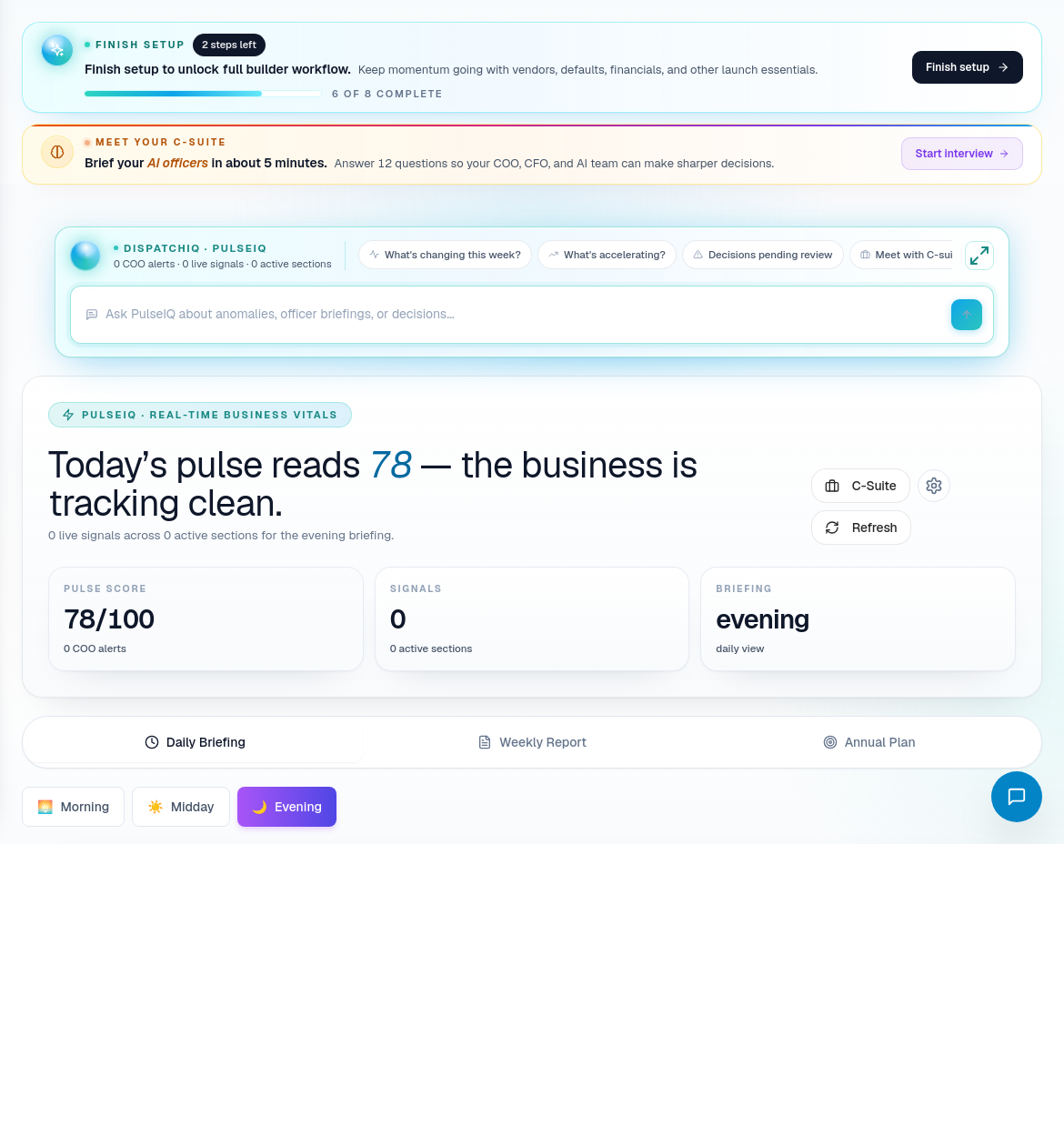
Step 2: Read PulseIQ business vitals
Open PulseIQ when leadership needs a broader operating picture.
Use it to ask:
- Are sales, construction, procurement, finance, service, and workforce moving in a healthy direction?
- Which risks are cross-departmental?
- Which alerts need COO-level action?
- What should be in the daily or weekly briefing?
PulseIQ is strongest when the underlying workflows are kept current. If the vitals look wrong, inspect the source records rather than adjusting leadership notes only.
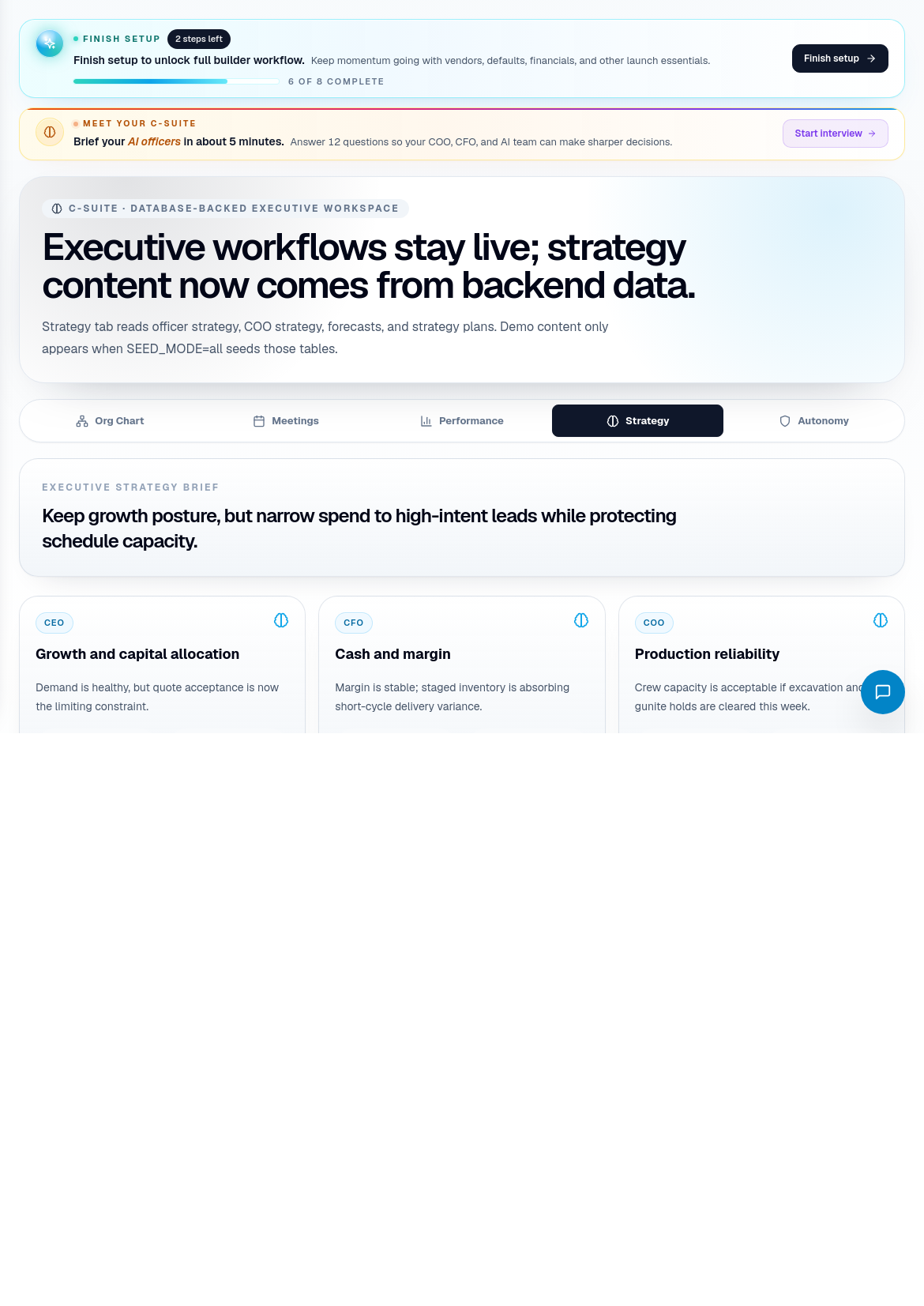
Step 3: Use C-Suite to separate ownership
Open C-Suite for executive review.
Route questions to the right leadership lane:
| Leadership lane | Use it for |
|---|---|
| COO / Operations | Schedule risk, job throughput, operational blockers, subcontractor readiness. |
| CFO / Financials | Cash movement, AR/AP, payments, approvals, margin-sensitive issues. |
| CCO / Customer Experience | Homeowner risk, support load, service quality, communication problems. |
| CHRO / Workforce | Crew load, timesheets, labor utilization, workforce constraints. |
| Meetings / Briefings | Structured leadership cadence and decisions that need follow-up. |
Do not use C-Suite as a passive dashboard. Every issue should become a source workflow update, an assigned owner, or a decision.
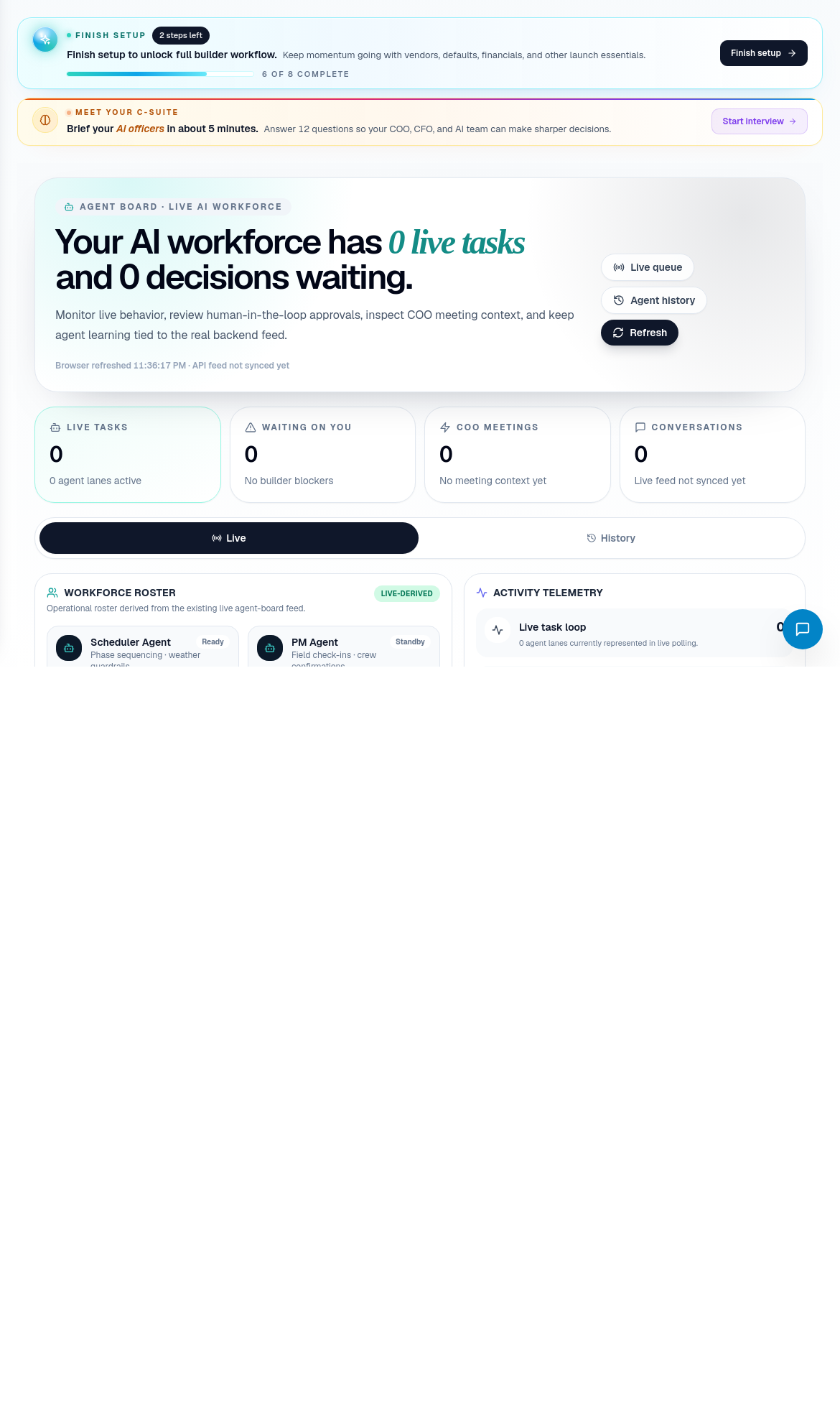
Step 4: Review Agent Board work
Open Agent Board when agent-prepared work needs visibility or approval.
Check:
- What the agent prepared.
- Which workflow it affects.
- Whether the agent has enough context.
- Whether a human approval is required.
- Whether any action should be rejected, modified, or held.
- Whether the source record should be updated after approval.
Agent Board is not a replacement for accountability. It is where prepared work becomes reviewed work.
Step 5: Convert review into actions
At the end of the operations review, every important item should have a next action.
Common action routes:
- Schedule issue -> Schedule Subcontractors.
- New sold work -> Create and Set Up a New Job.
- Material delay -> Procure Materials and Track POs.
- Sales follow-up -> Lead to Quote Workflow.
- Customer escalation -> Customer Issue to Service/Warranty.
- Payment approval -> Financial and Payment Approvals.
- Labor problem -> Crew Labor and Timesheets.
Recommended meeting rhythm
Use this structure for a practical operations review:
- DispatchIQ: what changed since last review?
- PulseIQ: what are the business vitals saying?
- C-Suite: which leadership lane owns each issue?
- Agent Board: what prepared work can be approved, edited, or rejected?
- Source workflows: which records must be changed now?
- Commitments: who owns the next action and by when?
Related screens
| Portal area | Use it for |
|---|---|
| DispatchIQ | Daily triage and operational attention routing. |
| PulseIQ | Business vitals, alerts, briefings, and live signals. |
| C-Suite | Executive operating review and functional ownership. |
| Agent Board | AI-prepared work, approvals, meetings, transcripts, and human review. |
| Officer workspaces | CFO, CCO, CHRO, and operations-specific review. |