Financials and Payments
Financial workflows connect operational activity to money. Use these screens to understand revenue, AR/AP, margin, payments, approvals, overhead, P&L, balance sheet, assets, payroll, tax context, and payment collection.
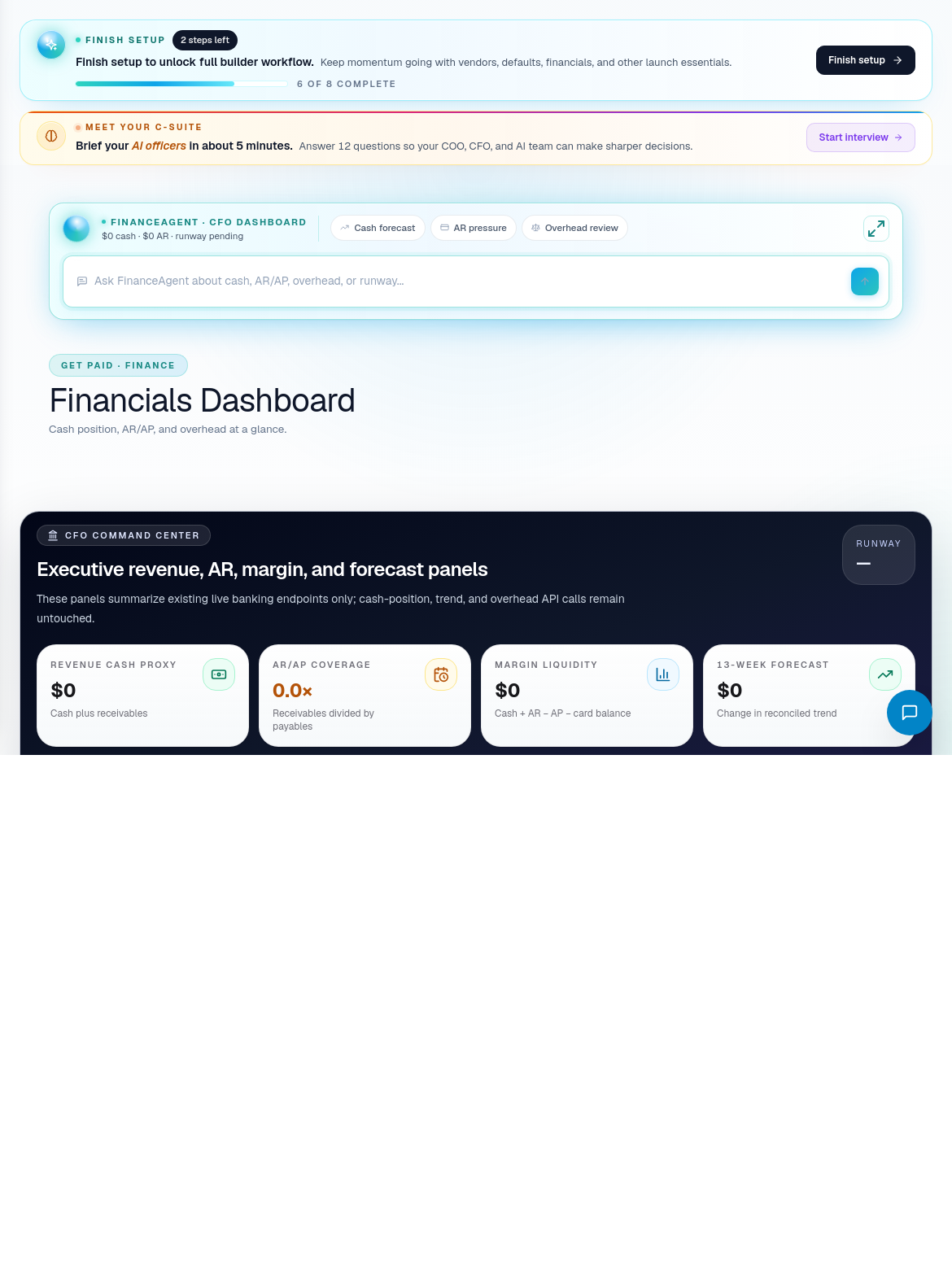
Financial review
Start in Financials Dashboard when you need the executive view. Move to Financials for deeper rollups and finance summaries.
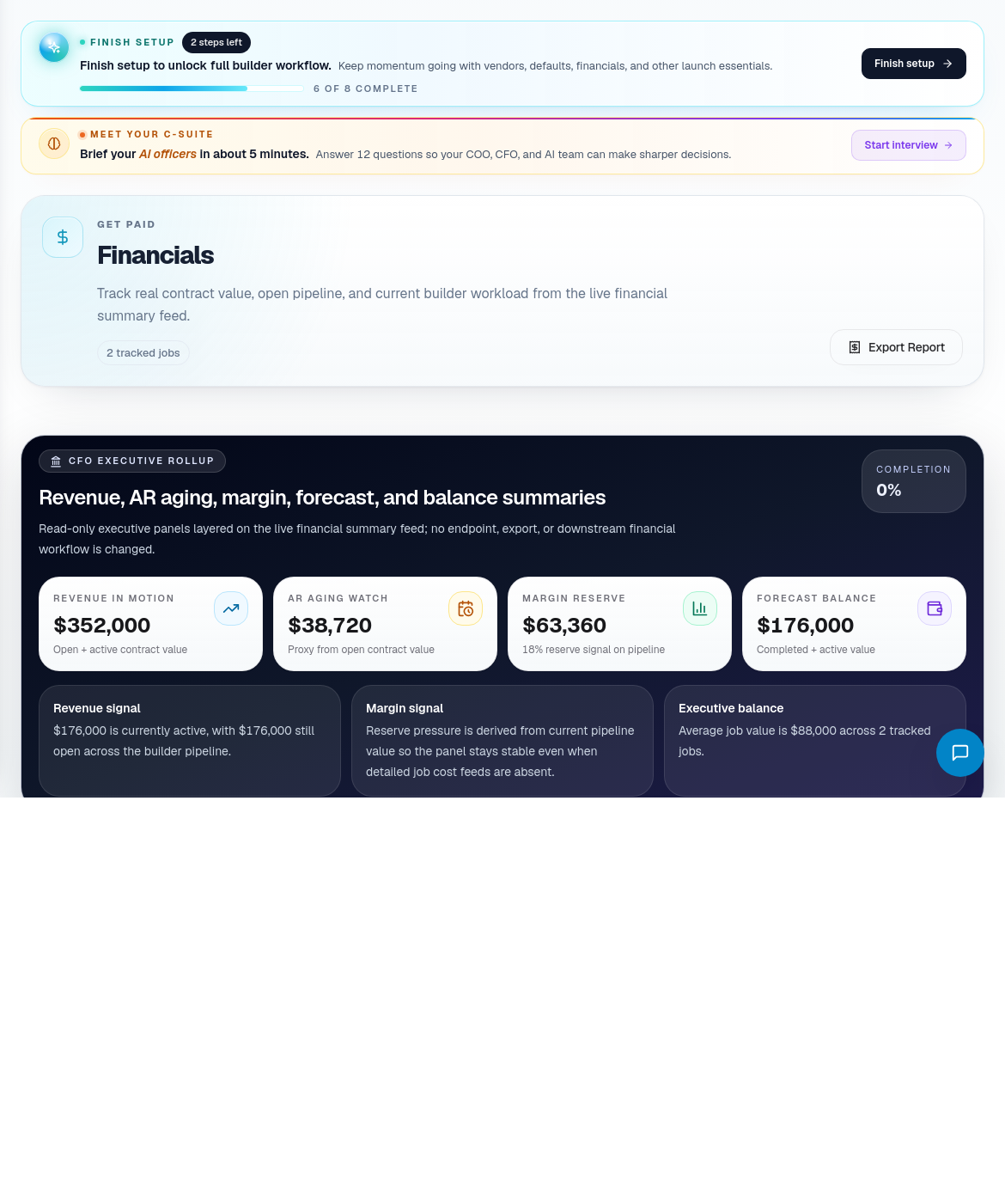
Recommended review process:
- Review dashboard-level health.
- Check AR aging and unpaid balances.
- Review margin and forecast movement.
- Open transactions or payment approvals when something needs action.
- Use CFO Financials when the issue becomes an executive decision.
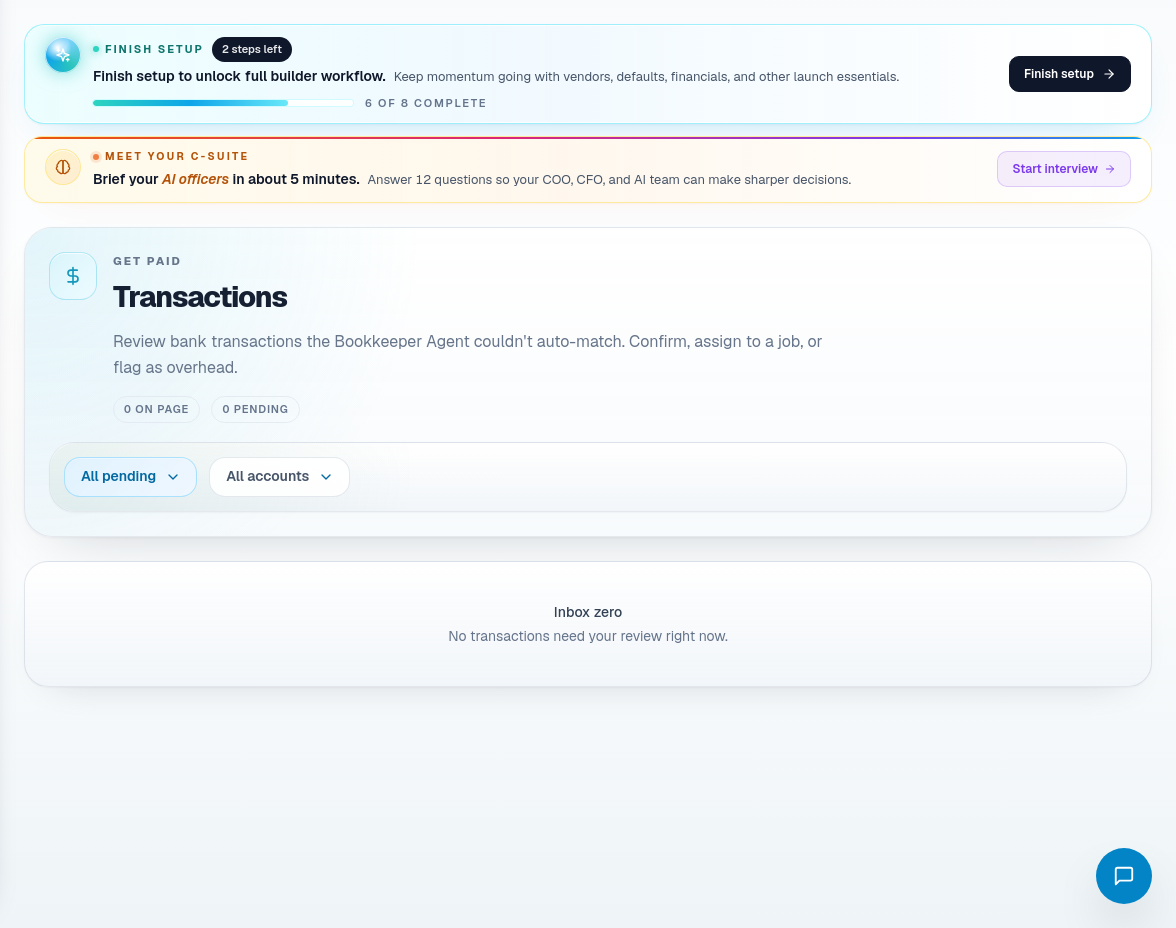
AR/AP and approvals
Use Transactions for AR/AP activity. Use Sub-Payment Approvals when subcontractor payments require review.
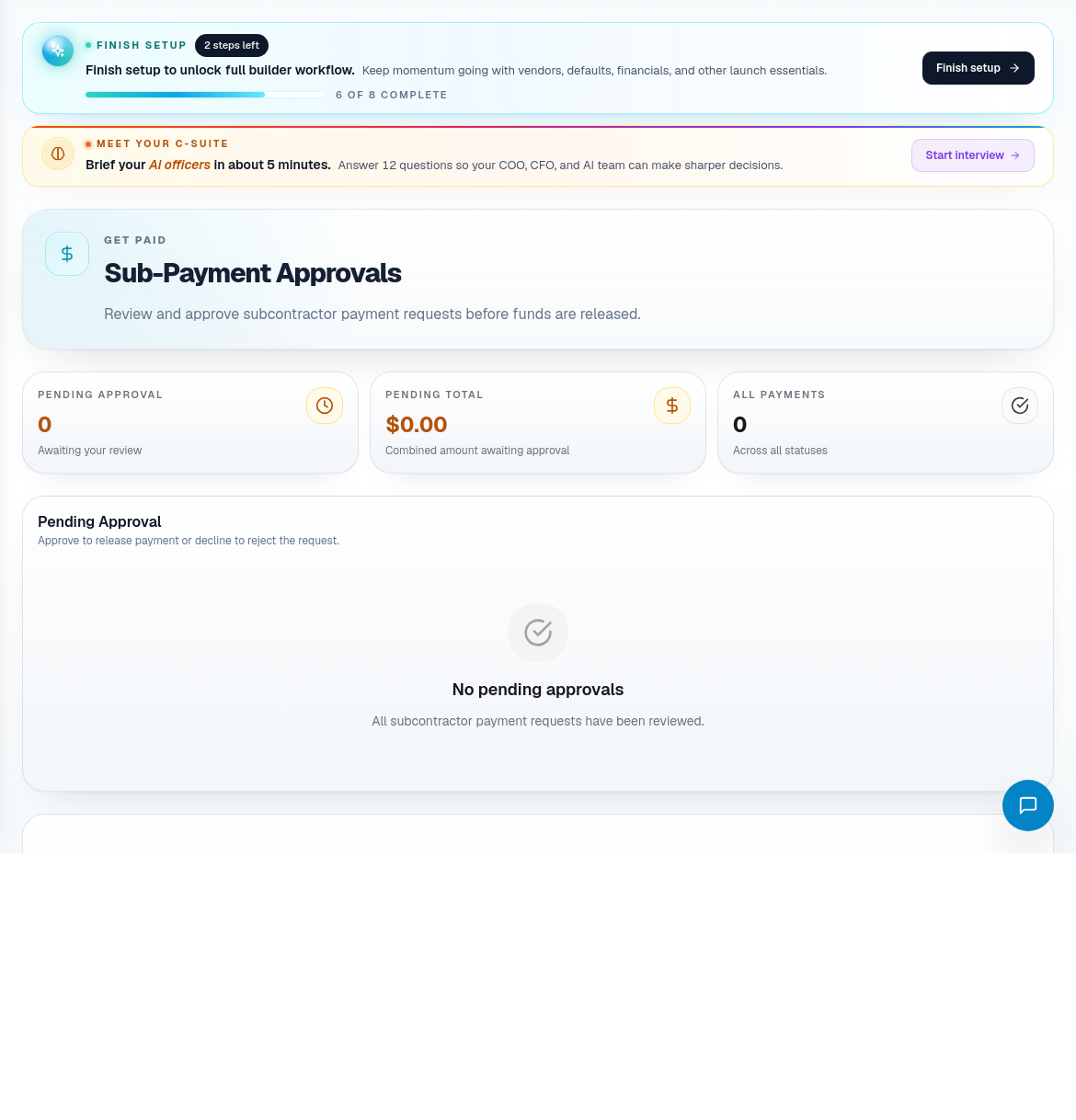
Payment approvals should be reviewed against job status, scope completion, compliance, and any dispute or variance.
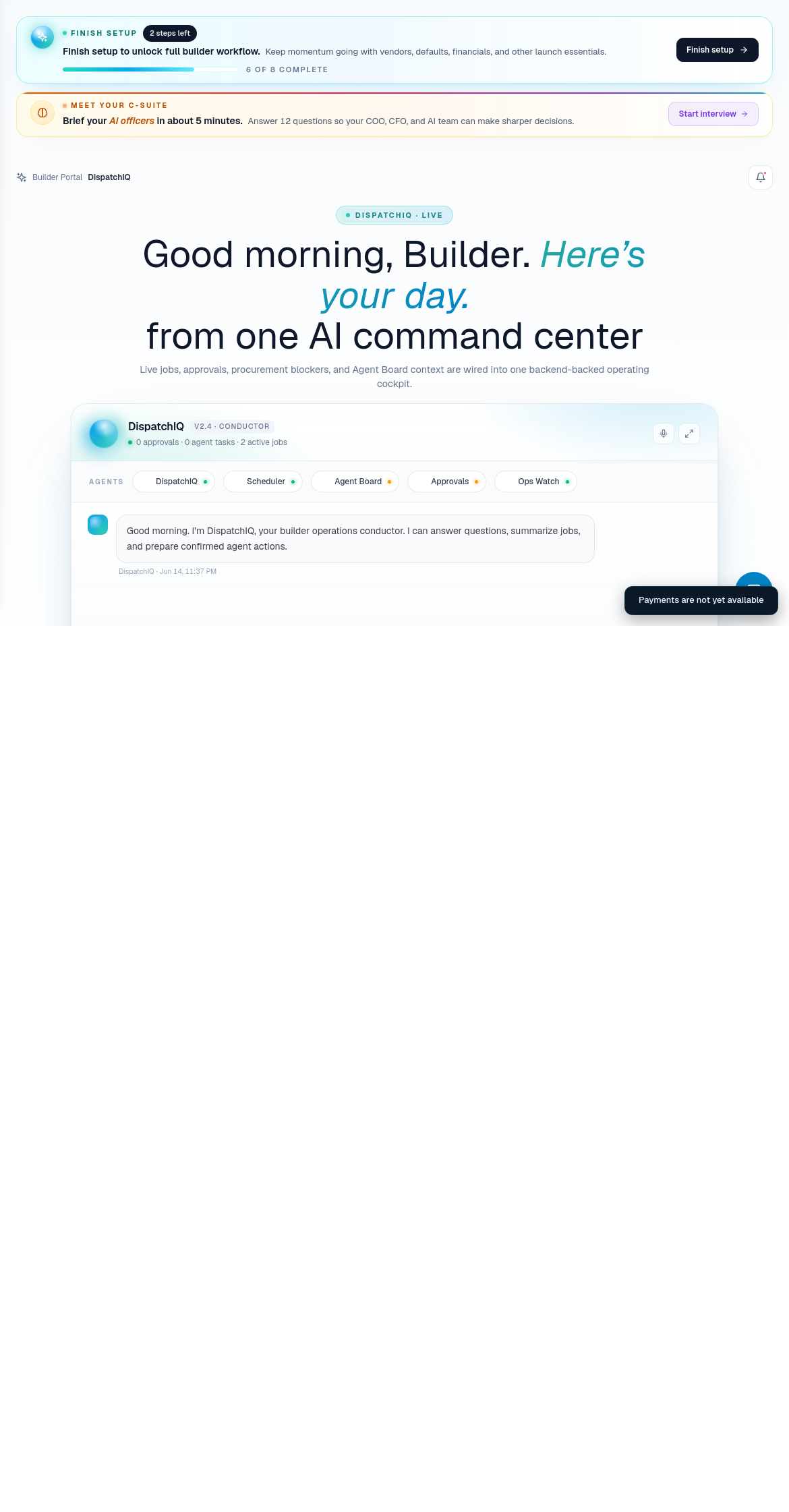
Financial route coverage
| Portal area | Use it for |
|---|---|
| Financials Dashboard | Executive finance overview. |
| Financials | Revenue, AR aging, margin, forecast, and balances. |
| AR / AP | Transaction review. |
| Sub-Payment Approvals | Outgoing subcontractor payment approval. |
| Procurement | Material purchase order financial context. |
| Vendors | Supplier terms and vendor context. |
| General Ledger | Ledger-level accounting review. |
| Payroll | Payroll context. |
| Tax Info | Tax-related business information. |
| Overhead | Overhead review. |
| P&L | Profit and loss review. |
| Balance Sheet | Balance sheet review. |
| Asset Registry | Asset tracking. |
| Depreciation | Depreciation schedule. |
| Payments | Payment collection and payment integrations. |
Financial operating habits
- Do not approve payments without confirming the operational basis.
- Review AR/AP before leadership meetings.
- Use job and procurement context when margin changes unexpectedly.
- Treat missing payment integration setup as a launch or admin task, not a field operations issue.
- Keep vendor and subcontractor records clean so finance workflows have reliable counterparties.