Workforce Operations
Workforce operations help the builder understand who is scheduled, who is working, which time entries need review, and where labor capacity or overtime may affect operations.
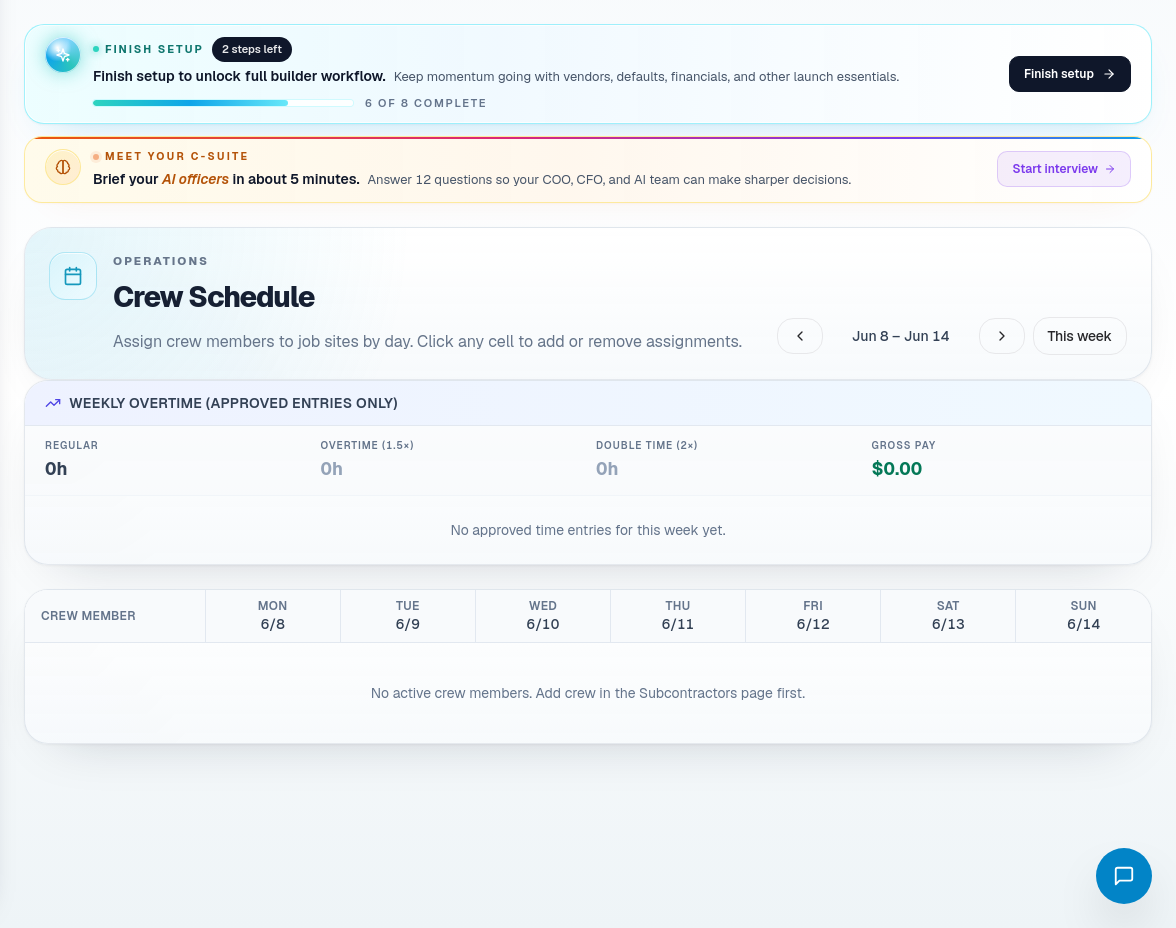
Crew schedule
Use Crew Schedule to understand internal crew assignments. Keep the schedule aligned with the build calendar so field work does not drift from project planning.
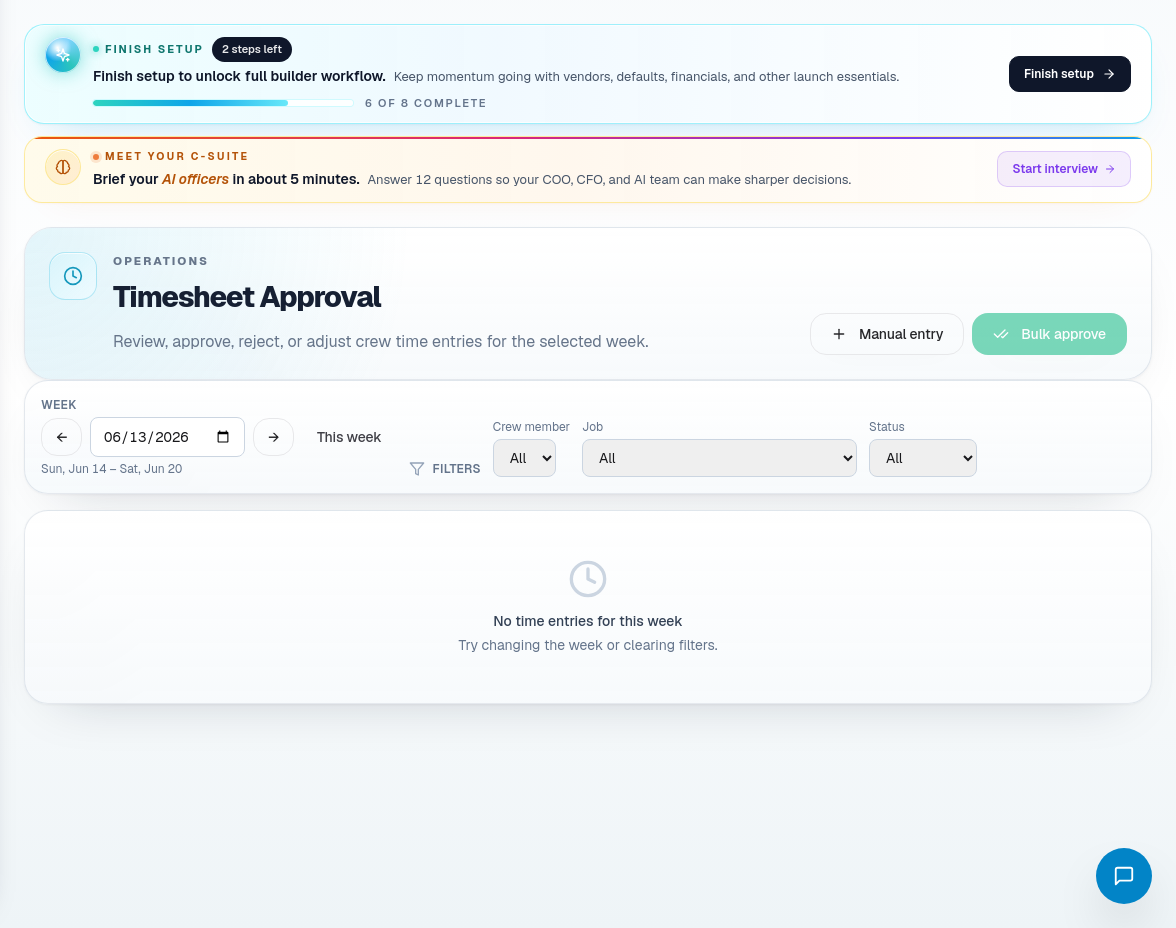
Timesheet approval
Use Timesheet Approval to review submitted time. Before approving:
- Confirm the crew member.
- Confirm the job or work category.
- Check hours, date, and notes.
- Reject or adjust unclear entries with a reason.
- Approve only when the entry matches field reality.
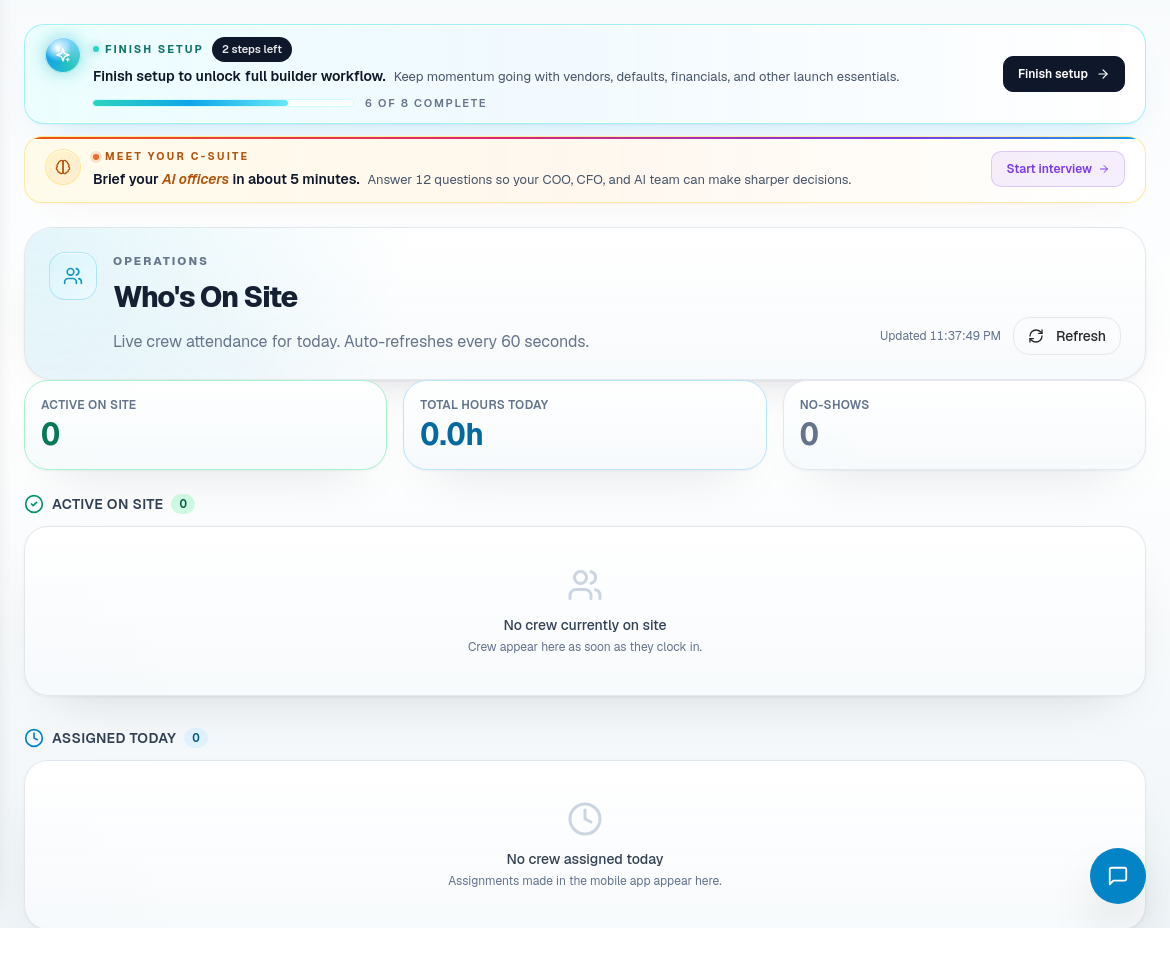
Who's on site
Use Who's On Site when you need live awareness of active crews, current site presence, or field attendance.
Labor analytics
Use Labor Analytics to review labor patterns, overtime, utilization, and trends. Treat analytics as a management view, then use crew schedule and timesheet approval for execution.
Workforce route coverage
| Portal area | Use it for |
|---|---|
| Crew Schedule | Planned crew assignments. |
| Timesheet Approval | Time-entry review, rejection, adjustment, and approval. |
| Who's On Site | Active site presence. |
| Labor Analytics | Labor trends, overtime, and utilization. |
| In-House Labor | Internal crew labor records and overtime context. |
Workforce operating habits
- Approve time against actual work, not assumptions.
- Reject unclear entries with useful reasons.
- Keep crew schedule aligned with job schedule.
- Use labor analytics to catch trends, then fix them in scheduling or staffing workflows.