Sales and Marketing
Sales and marketing workflows help the builder turn demand into build-ready opportunities. The goal is to qualify homeowners, keep follow-up visible, create accurate quotes, and understand which marketing work is producing revenue.
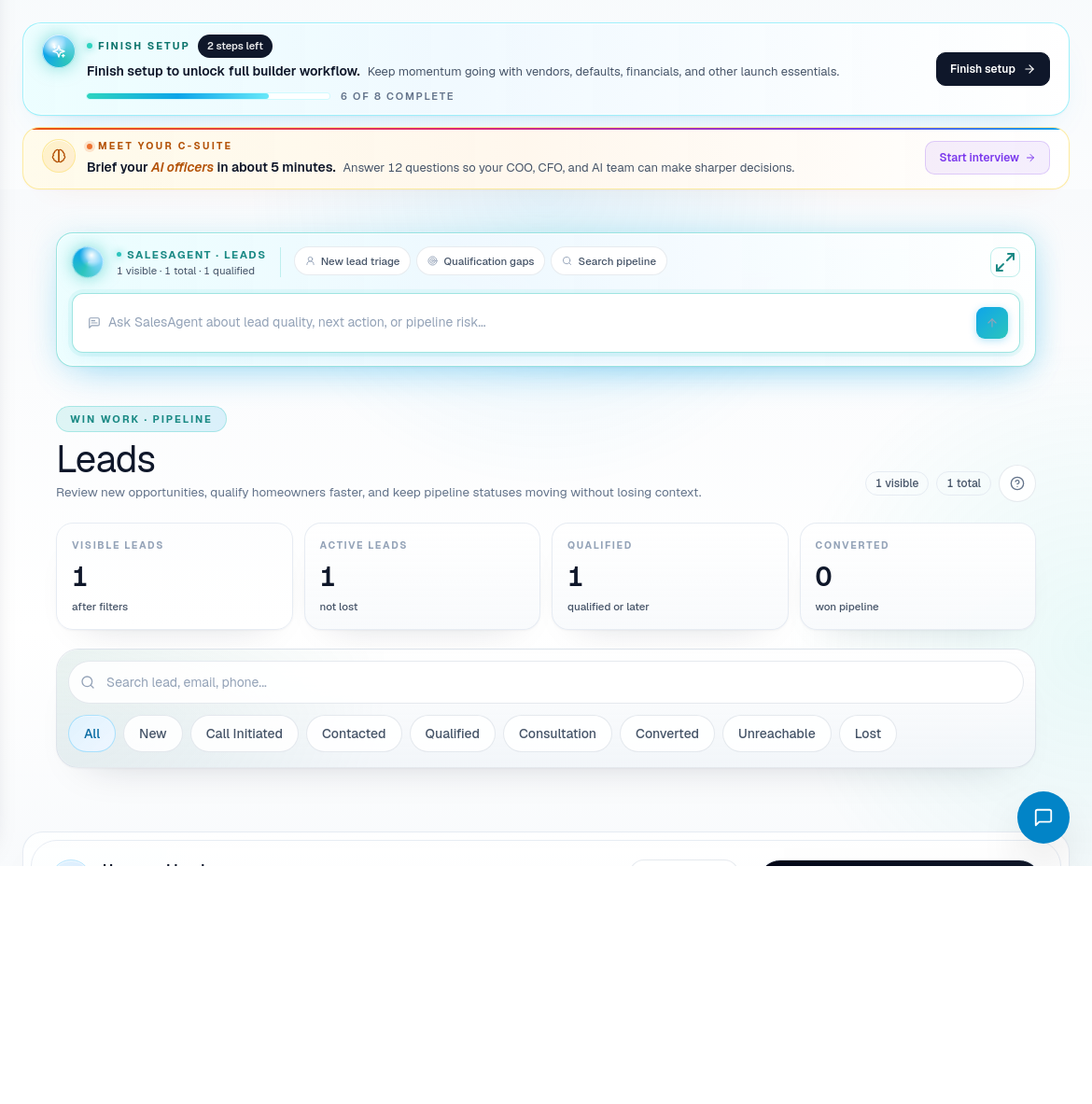
Lead intake
Use Leads for new opportunities. Review each lead for contact details, project interest, quality, next action, and pipeline status.
Recommended process:
- Open Leads and filter by the status that needs attention.
- Review the lead source, homeowner context, and next action.
- Open the lead detail when you need notes, conversation context, or a DispatchIQ opener.
- Move the lead forward only when the next step is clear.
- If the lead is ready for pricing, move to Quotes.
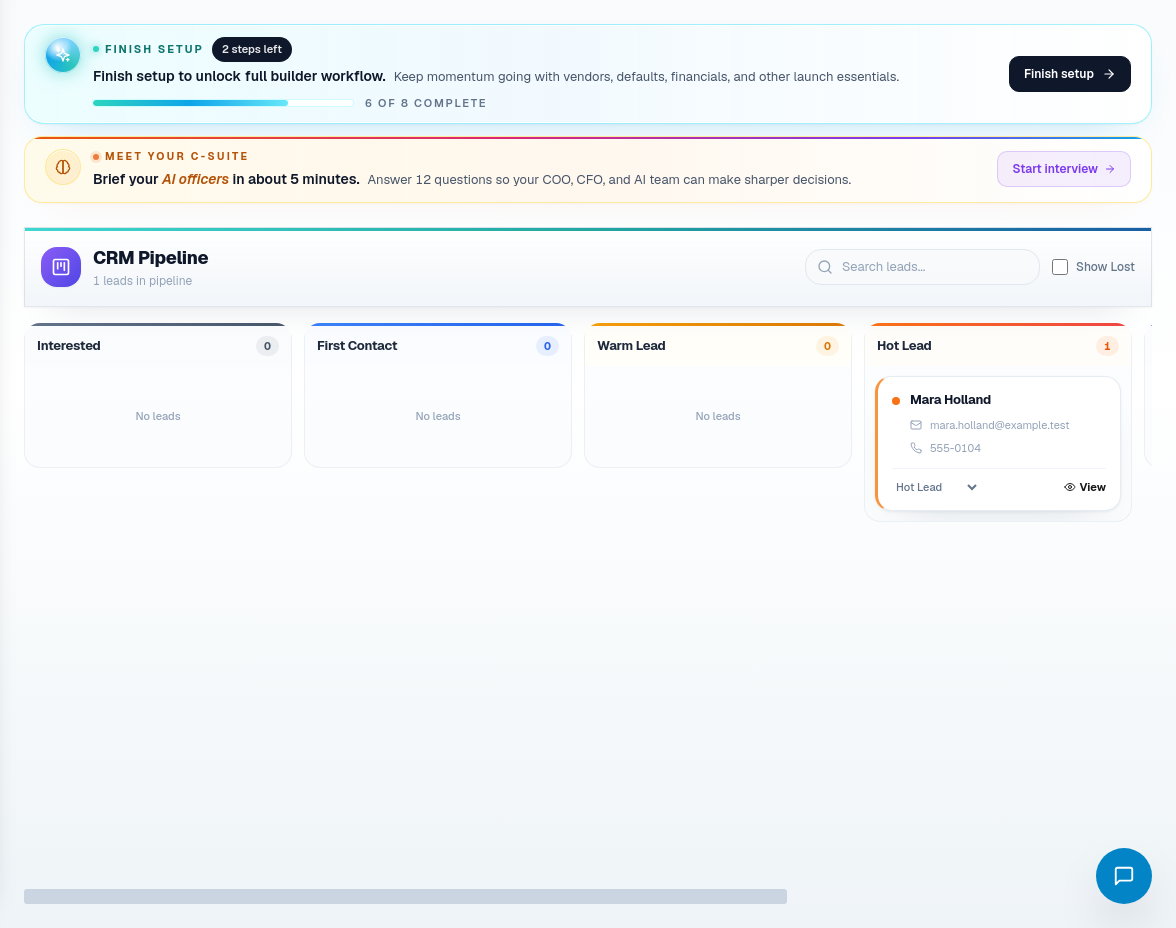
CRM workflow
Use CRM for pipeline movement. The CRM view is best for answering:
- Which leads are new, qualified, quoted, won, lost, or stalled?
- Which opportunities need follow-up?
- Are sales handoffs happening consistently?
Keep CRM statuses honest. If the lead is waiting on homeowner selection, financing, or proposal changes, the status should make that visible.
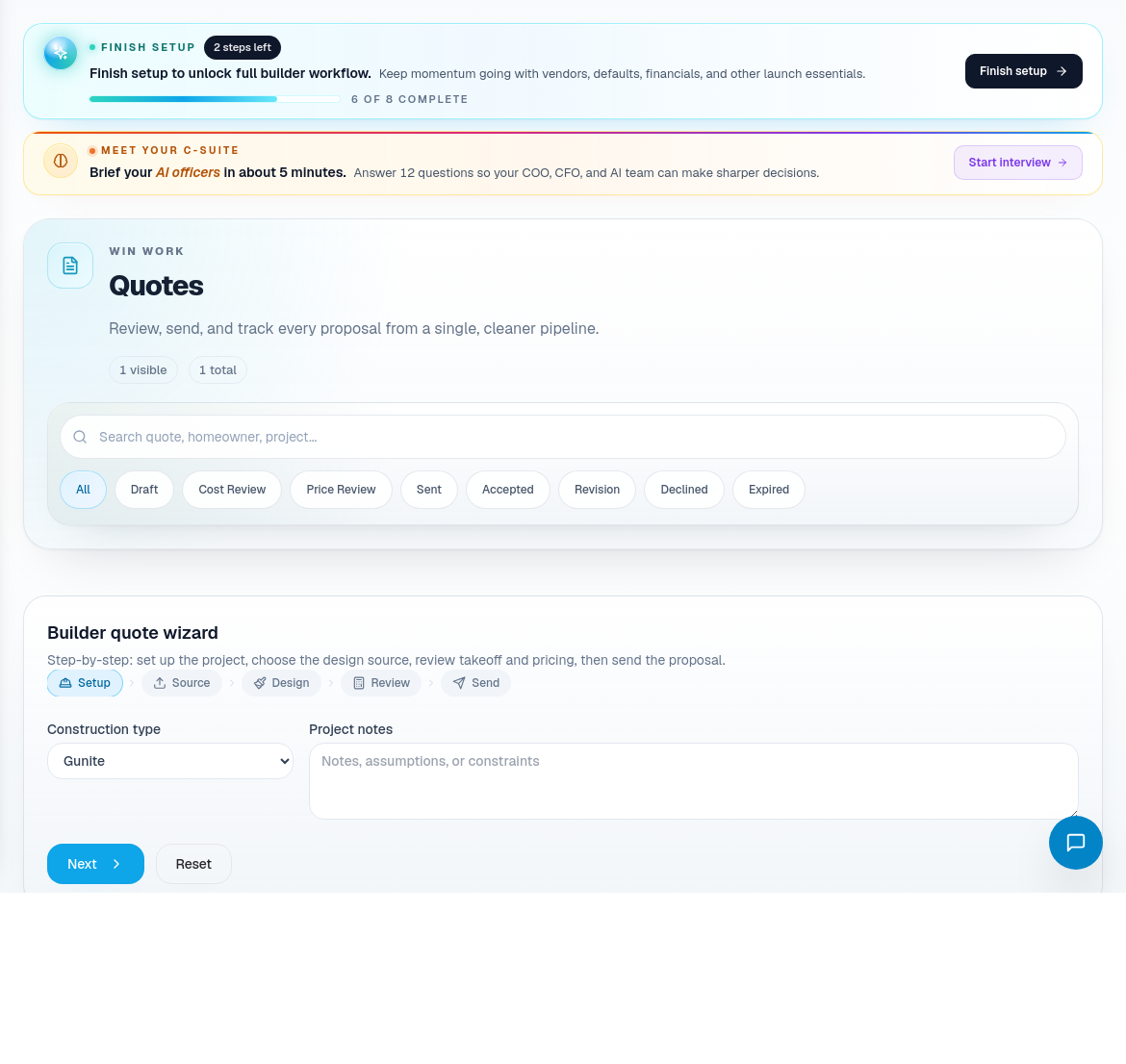
Quotes
Use Quotes to create and review estimates, proposal summaries, assumptions, and constraints. Good quote hygiene matters because quote assumptions become project expectations after a sale.
When building or reviewing a quote:
- Confirm homeowner and project context.
- Check scope assumptions, cost assumptions, vendor notes, and risk flags.
- Make sure the proposal summary is homeowner-readable.
- Review margin-sensitive items before sending.
- Use quote detail pages for deeper review and revisions.

Sales and marketing route coverage
Use the marketing routes when the question is not an individual lead but the source of demand.
| Portal area | Use it for |
|---|---|
| Ad Campaigns | Campaign planning and ad performance review. |
| Social Media | Social content and social lead context. |
| Marketing Dashboard | Overall marketing performance. |
| Budget Approvals | Approving marketing spend. |
| Sale Events | Event-driven lead generation. |
| Sales Goals | Sales goal tracking. |
| ROI Dashboard | Campaign return and revenue impact. |
| Creative Review | Reviewing campaign creative. |
| Referrals | Referral pipeline. |
| NPS Dashboard | Customer advocacy and satisfaction signals. |
| Ad Account Connections | Connected ad accounts and permissions. |
| Drip Campaigns | Automated follow-up campaigns. |
Sales operating rhythm
- Check new leads daily.
- Keep CRM status current before sales meetings.
- Use quotes as the source of truth for proposal assumptions.
- Review Sales Calendar and Sales KPIs weekly.
- Review marketing ROI before increasing budget.
- Send only proposal summaries that a homeowner can understand without internal context.