Customer Service
Customer service workflows keep homeowner communication from getting lost between sales, construction, service, and office teams. Use these screens when a homeowner question, meeting, transcript, callback, or service recovery item needs follow-up.
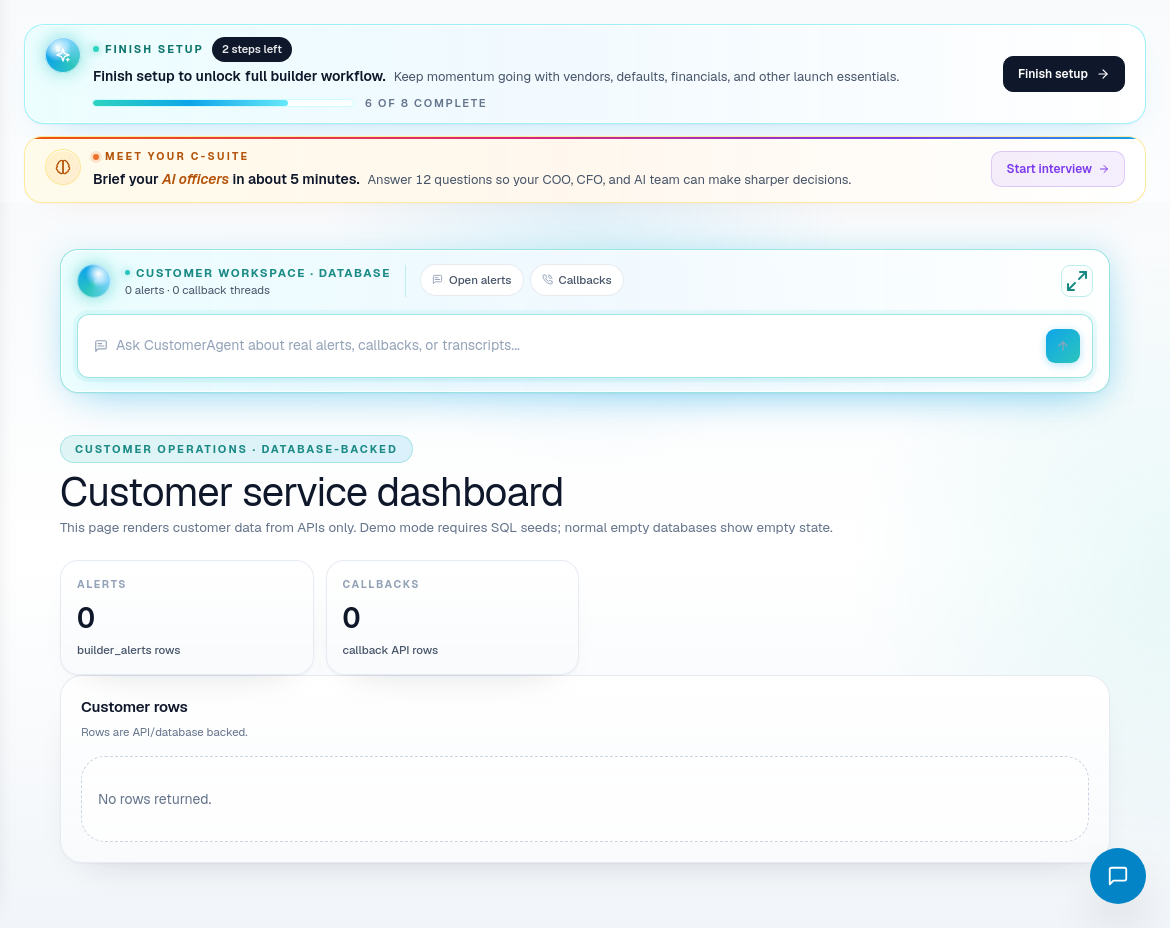
Customer service dashboard
Use the dashboard to review customer service work. A good customer service record should make the issue, owner, next step, and related job clear.
Daily process:
- Open Customer Service Dashboard.
- Review open customer issues and cases.
- Confirm which items need a callback, job update, service ticket, or leadership escalation.
- Use DispatchIQ if you need broader job or payment context before responding.
- Record the outcome so the next teammate can understand what happened.
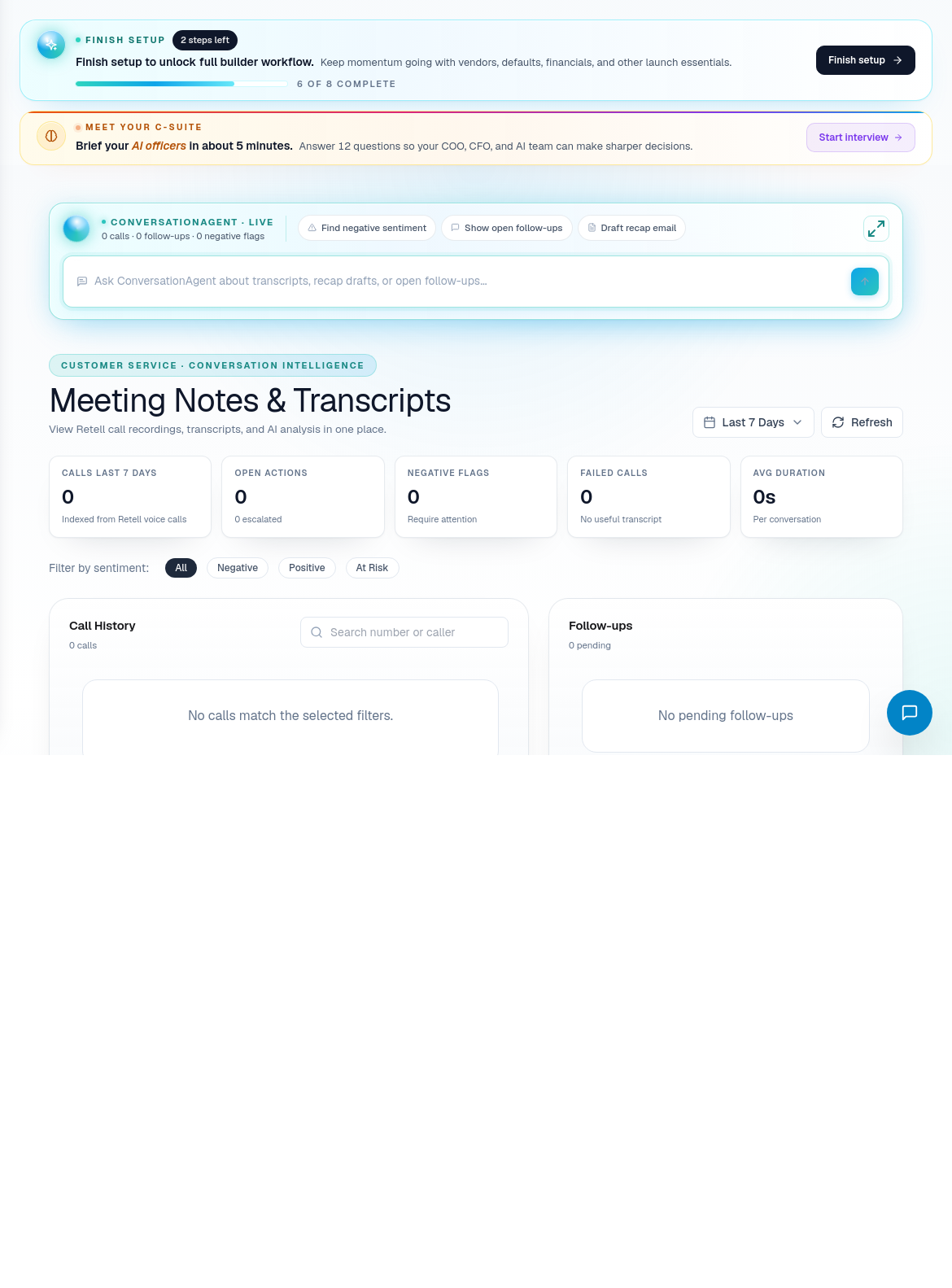
Meeting notes and transcripts
Use Meeting Notes & Transcripts when a conversation needs to become operational memory. Notes should capture decisions, commitments, risks, and follow-up owners.
Good meeting notes include:
- Who attended.
- Which job or customer the meeting relates to.
- What was decided.
- What needs follow-up.
- Who owns the next action.
- Whether the homeowner needs an update.
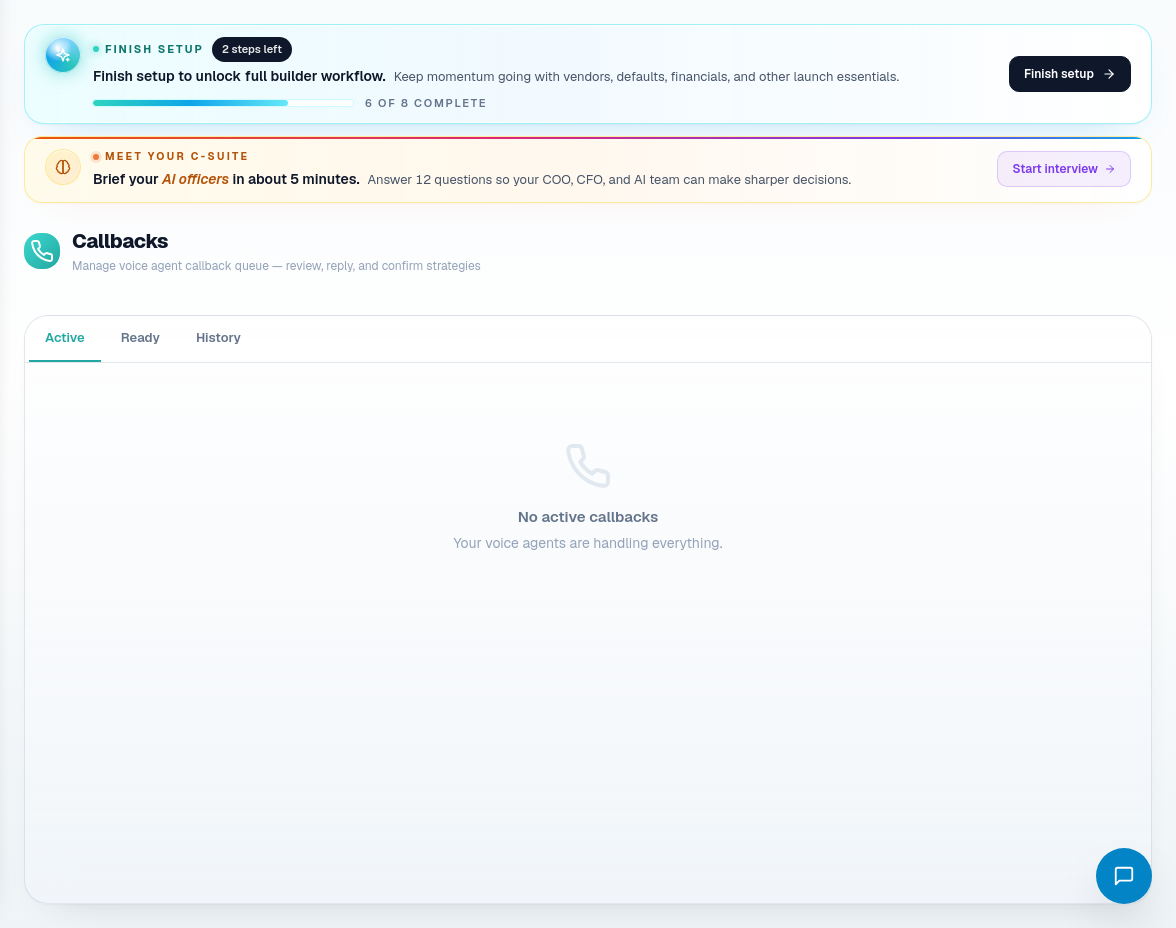
Callbacks
Use Callbacks when a homeowner or contact needs a return call or follow-up answer. Keep callback status honest so urgent customer issues do not disappear.
Related screens
| Portal area | Use it for |
|---|---|
| Customer Service Dashboard | Customer issue and case review. |
| Meeting Notes & Transcripts | Conversation records and follow-up decisions. |
| Callbacks | Return-call queue and customer follow-up. |
| ServiceIQ | Post-construction service and warranty work. |
| Jobs | Construction context for active homeowner issues. |
| DispatchIQ | Cross-workflow context before responding. |
Customer service habits
- Do not respond to a homeowner without checking job context when schedule, money, or scope is involved.
- Convert vague customer concerns into clear next actions.
- Record commitments in notes or the owning workflow.
- Escalate repeated service issues to leadership or ServiceIQ.