Procurement and Materials
Procurement workflows help the builder keep schedules honest by connecting materials, purchase orders, vendors, delivery dates, price books, catalog data, and inventory to real jobs.
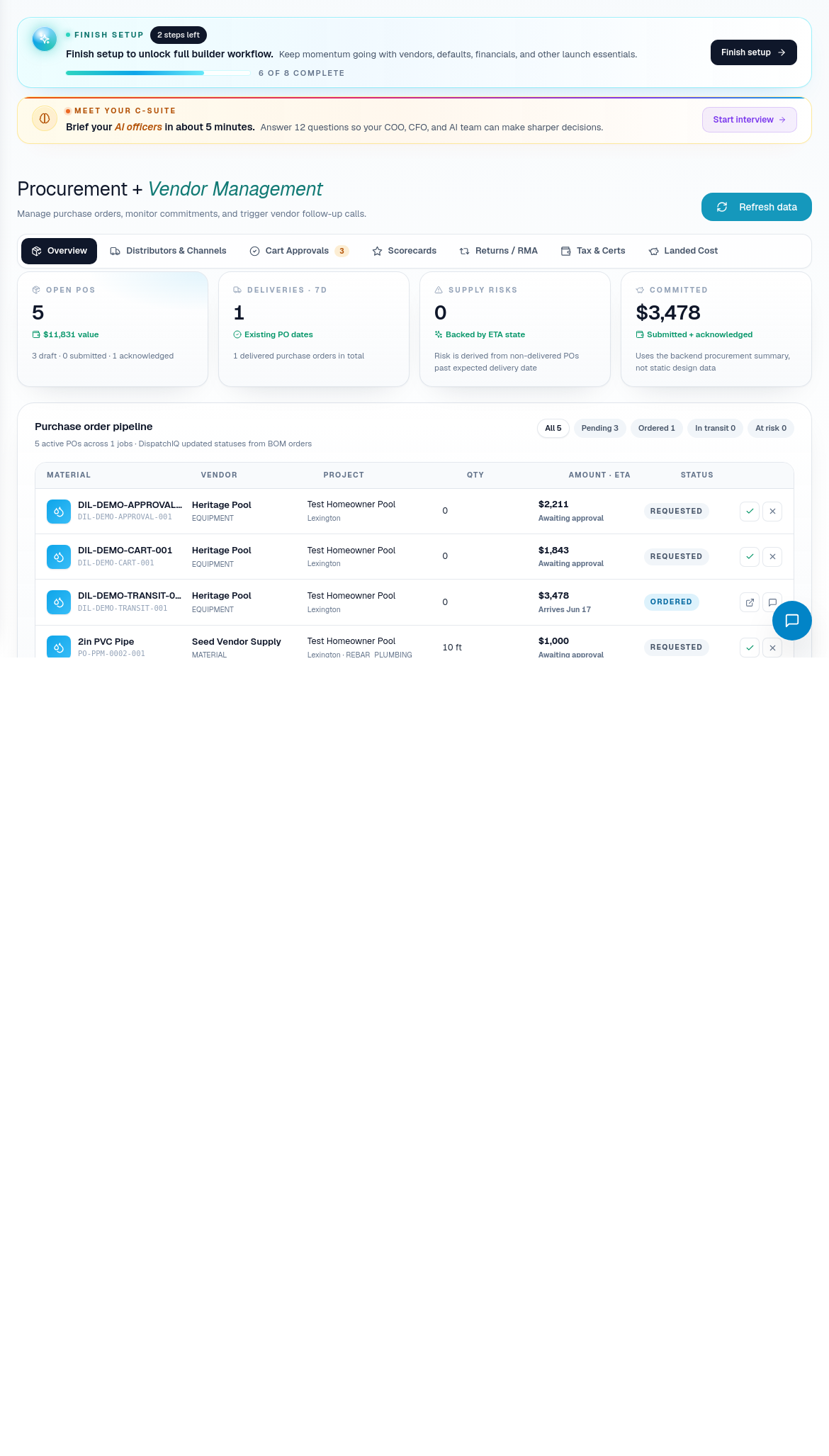
Procurement watch
Use Procurement when you need to know whether materials can support the schedule.
Daily procurement process:
- Review active purchase orders across jobs.
- Check delivery dates against the build calendar.
- Identify vendor calls, late materials, and missing confirmations.
- Escalate blockers before the affected phase arrives.
- Update related job or schedule context when a material change affects execution.
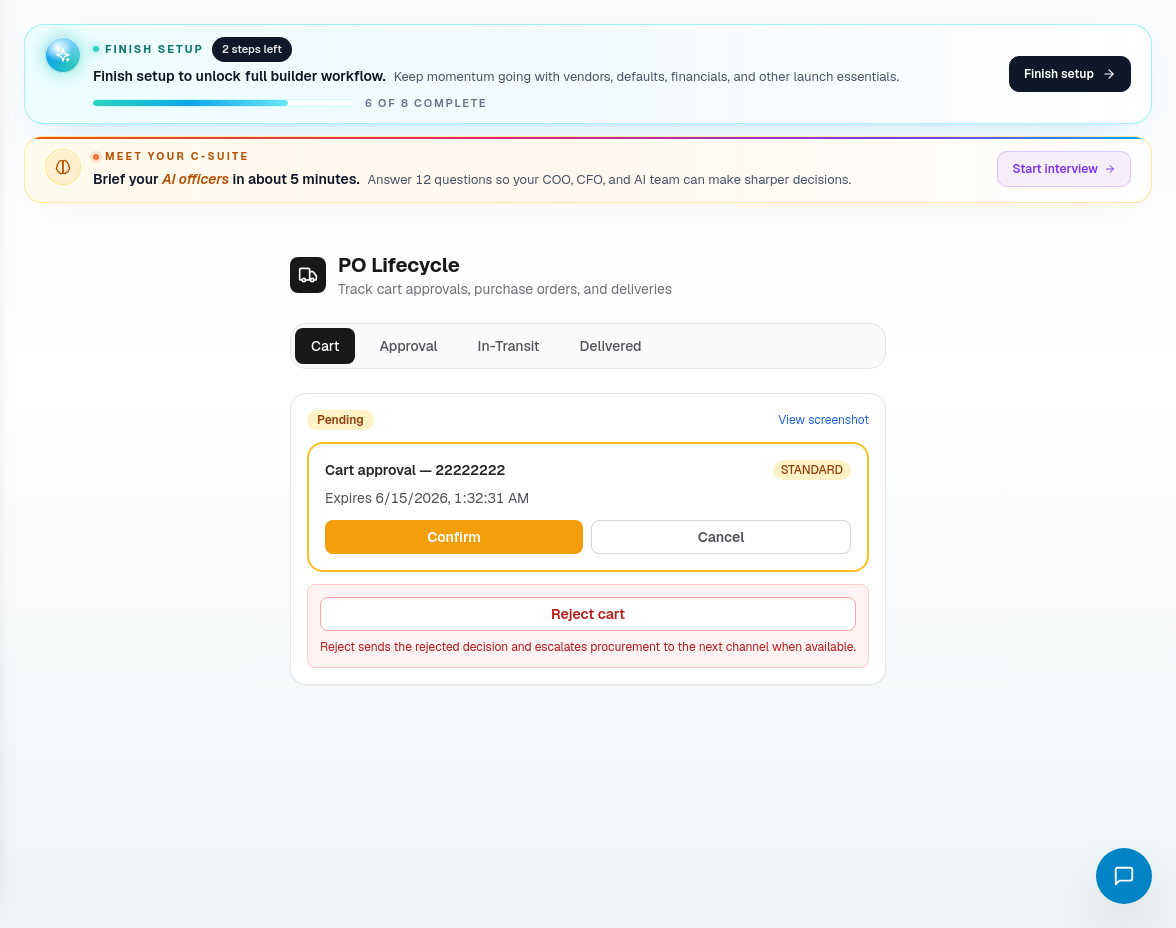
PO lifecycle
Use PO Lifecycle when a purchase order needs review. The tabs separate work by state:
- Cart for draft purchase orders and items not yet approved.
- Approval for human review before submission.
- In Transit for delivery tracking and date risk.
- Delivered for received materials.
- Variance for mismatches, cost variance, or delivery issues.
Do not approve a PO if the job, vendor, scope, delivery timing, or line items are unclear.
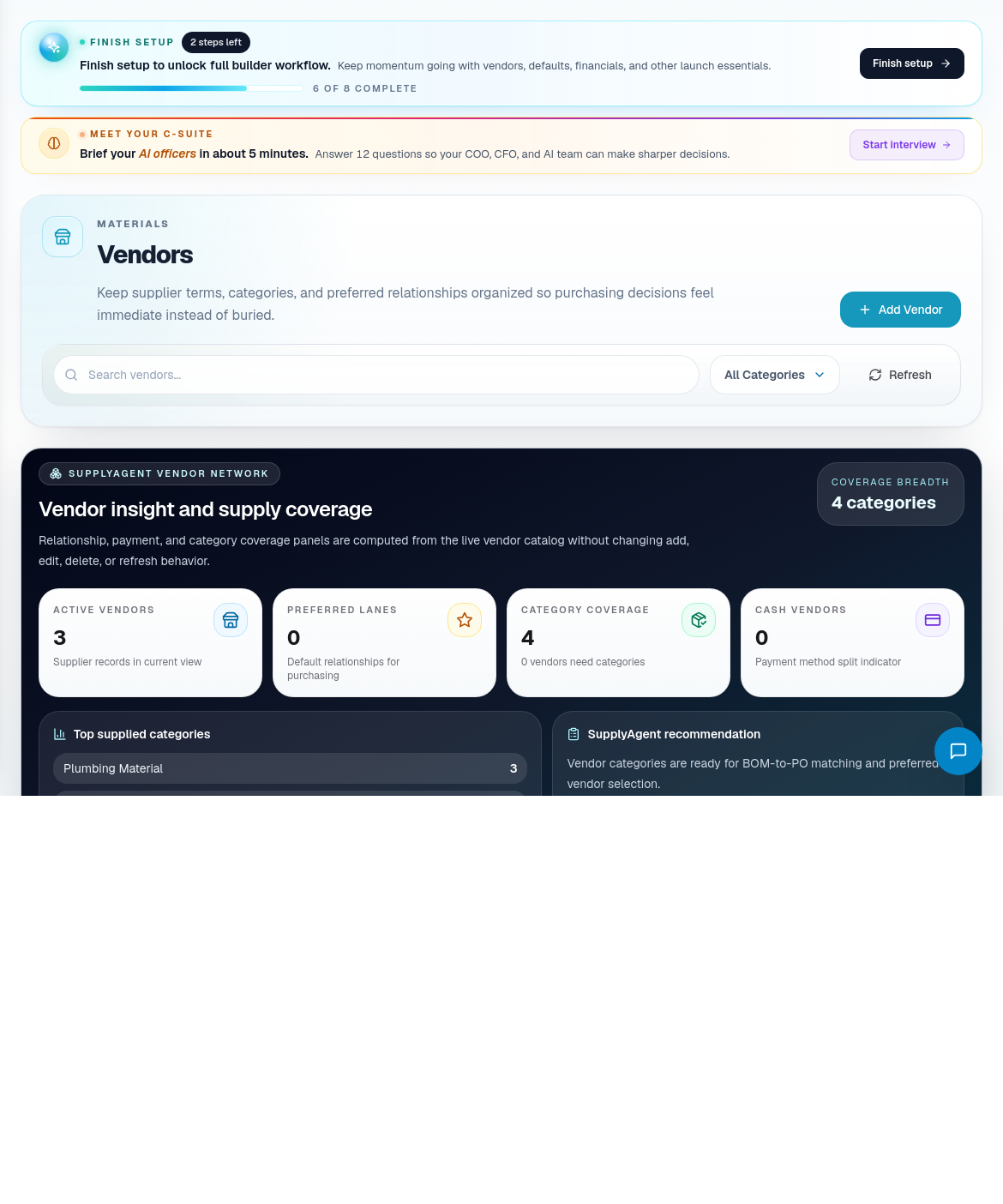
Vendors
Use Vendors to manage supplier records. Keep vendor category, contact details, material categories, lead time, default status, terms, and notes accurate.
Vendor records should answer:
- Who do we contact?
- What materials or services does this vendor supply?
- Are they the default supplier for any category?
- What delivery lead time should schedule planning assume?
- What terms or finance notes matter?
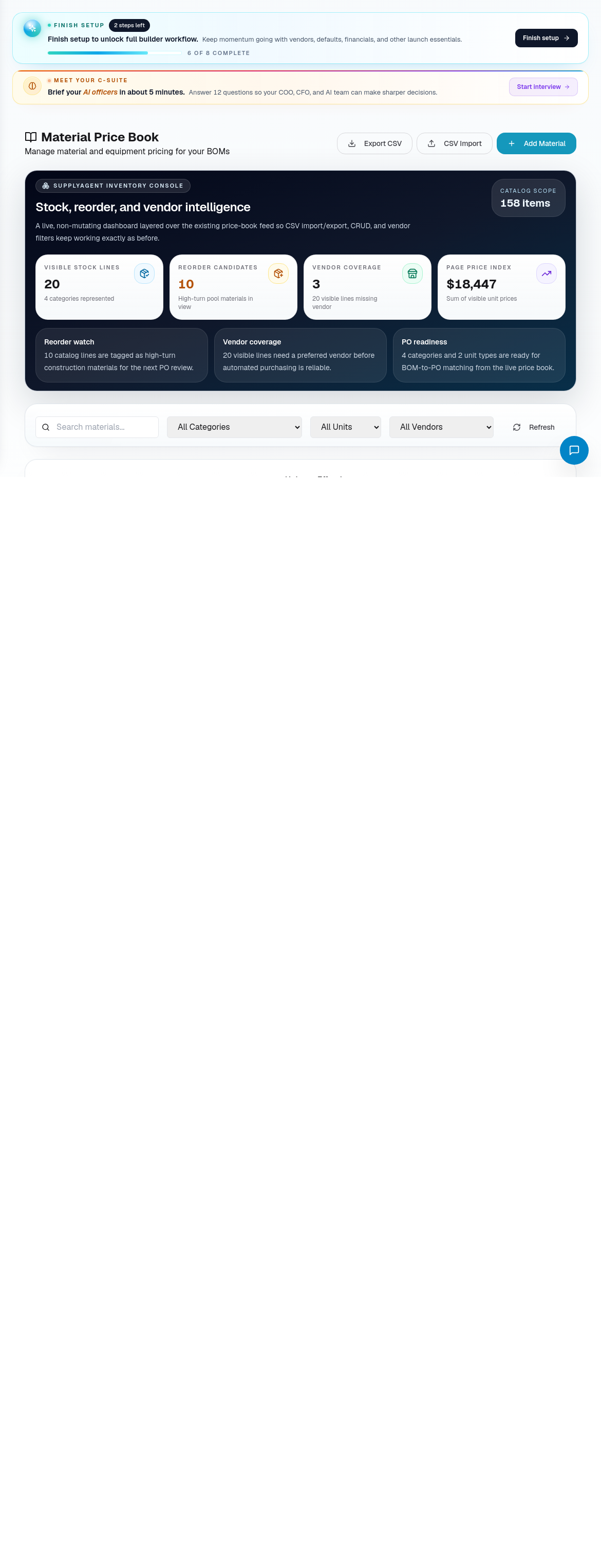
Price book, catalog, and inventory
Use Material Price Book and catalog tools to manage material definitions, pricing, vendor linking, and upload/review workflows.
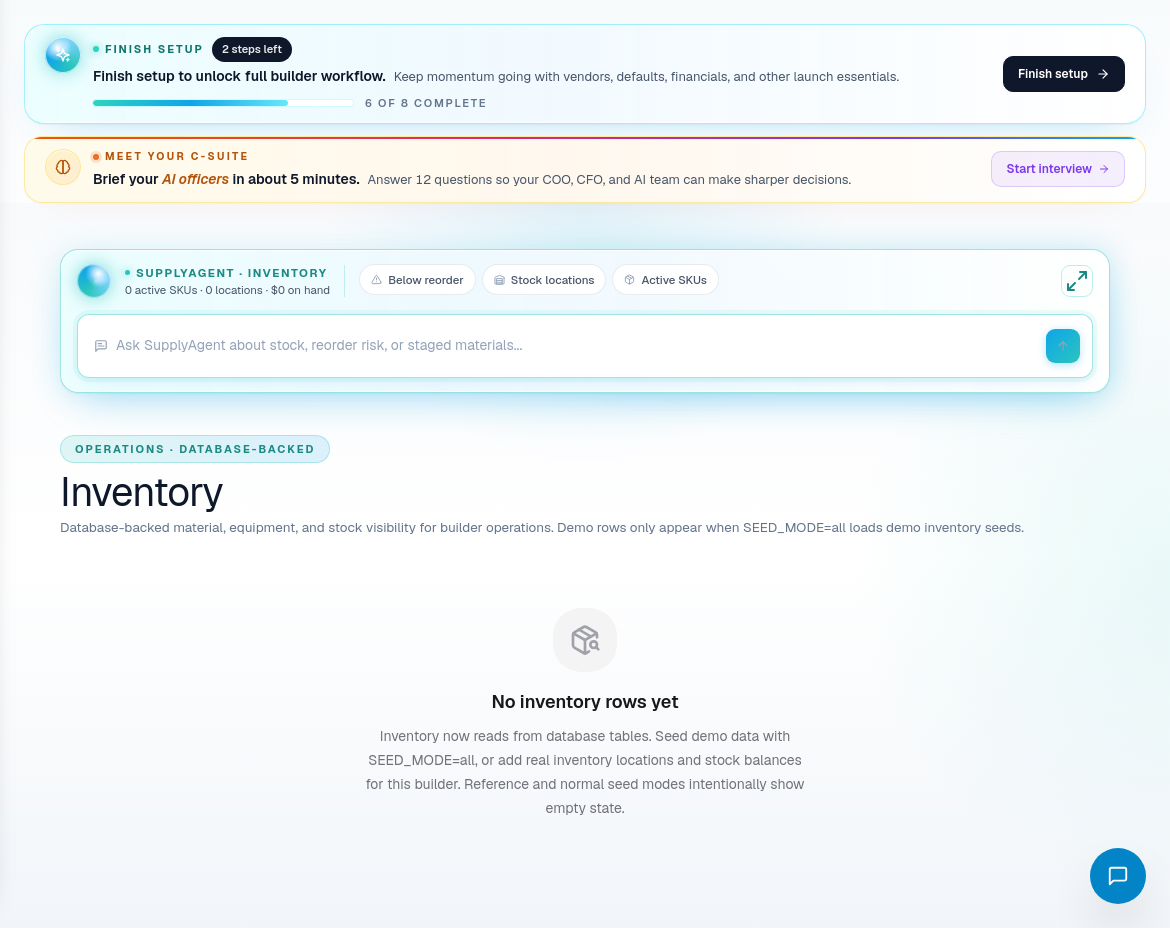
Use Inventory to understand stock, reorder risk, and staged materials.
Procurement route coverage
| Portal area | Use it for |
|---|---|
| Procurement | Active PO and material readiness overview. |
| PO Lifecycle | PO state review from cart through delivery and variance. |
| Vendors | Supplier directory and vendor defaults. |
| Inventory | Stock, staged materials, and reorder risk. |
| Material Price Book | Material pricing and supplier intelligence. |
| Catalog Review | Review uploaded or imported catalog data. |
| Catalog Upload | Upload catalog files. |
| CSV Catalog Upload | Import catalog data from CSV. |
| Add Material | Create a material manually. |
| Vendor Linking | Connect catalog items to vendor records. |
| CQA Calculation Methods | Premium calculation configuration. |
| CQA Manual Pricing | Premium manual pricing controls. |
Procurement operating habits
- Treat late materials as schedule risk, not just purchasing noise.
- Keep vendor defaults current so new jobs start with sane supplier assumptions.
- Use PO lifecycle state instead of notes to track purchase order progress.
- Review price book assumptions before relying on quote margins.
- Escalate delivery changes to CascadeIQ when the schedule is affected.